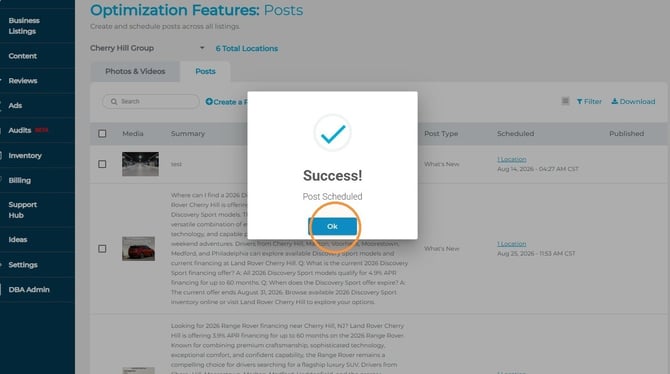
Sometimes there is a delay on Google’s side before the content can be seen live on your profile, but it is typically visible within a few minutes. You can check your Google dashboard directly to confirm that our system published the content successfully.
1. Navigate to https://agency.commandpad.io
2. Click "Content"
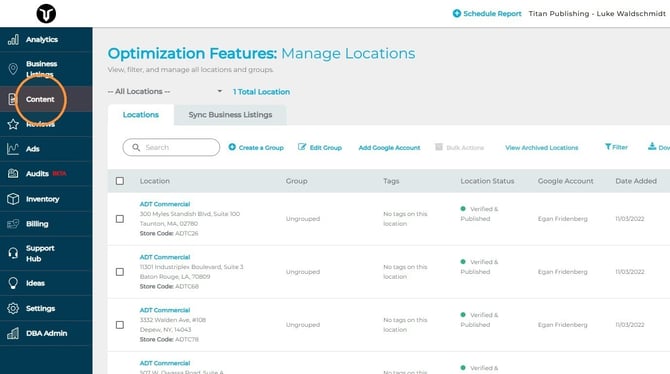
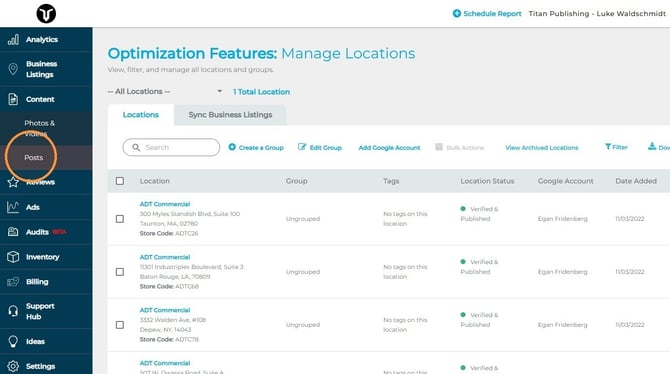
3. Click "Posts"
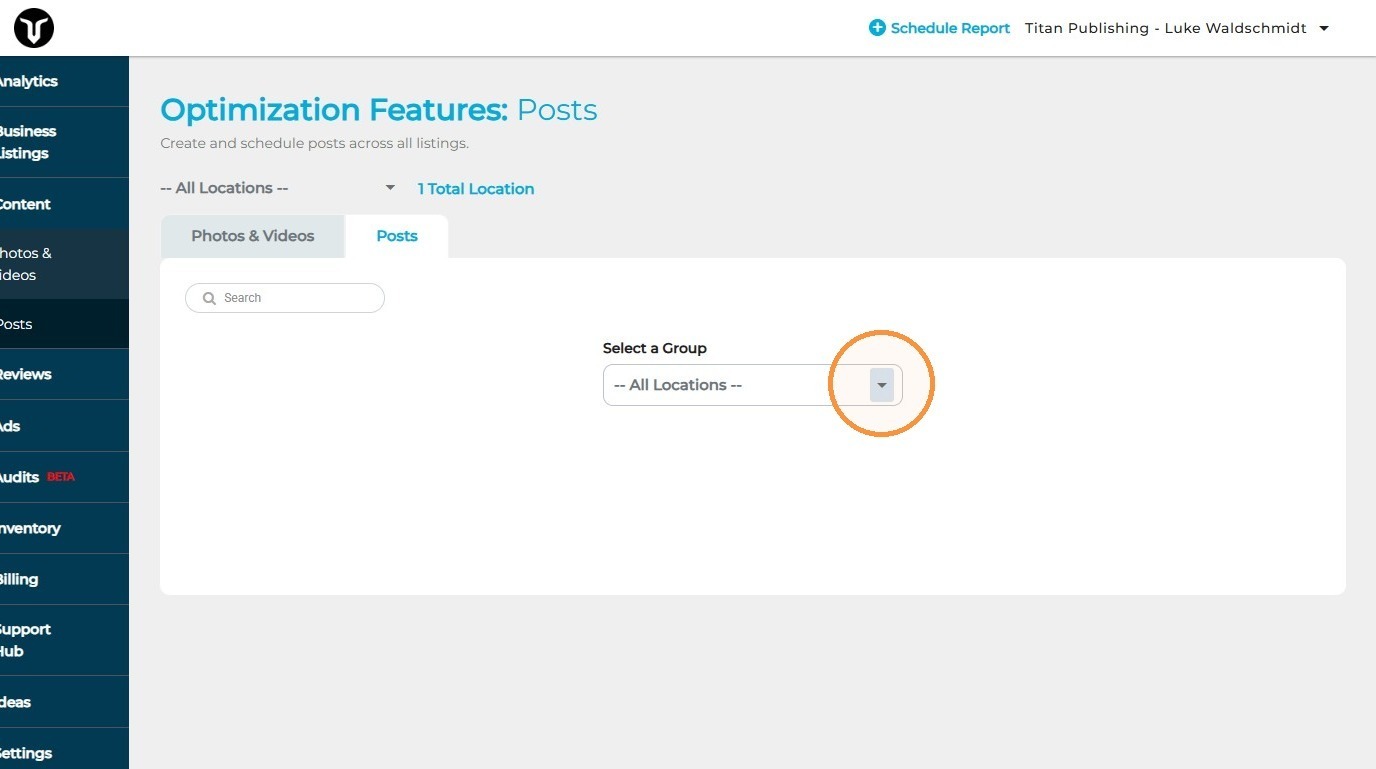
4. Select the group you'd like to schedule content for
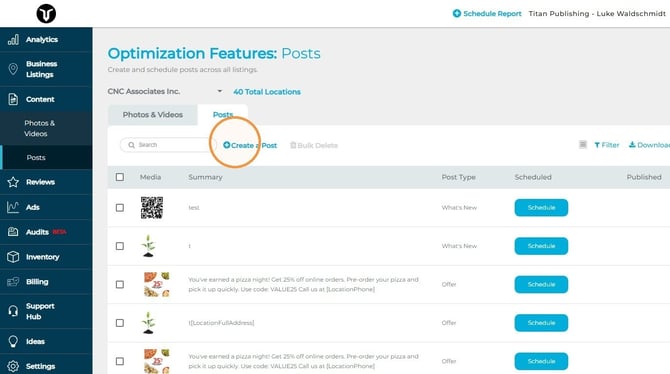
5. Click "Create a Post"
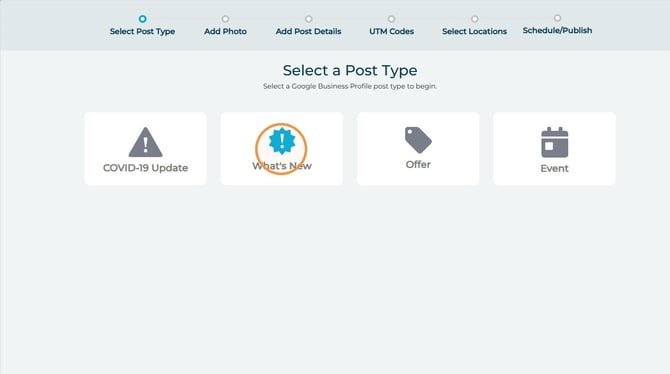
6. Select the post type pertinent to the post you'd like to create
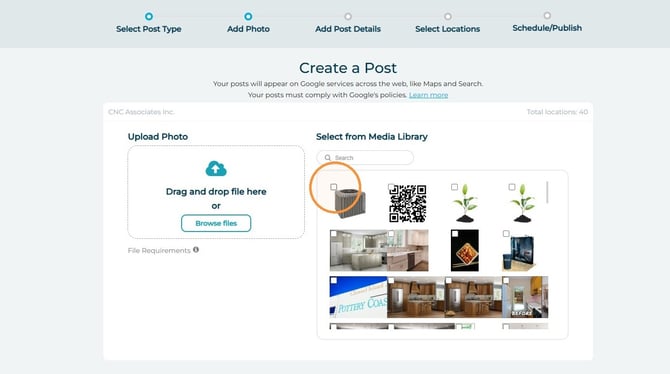
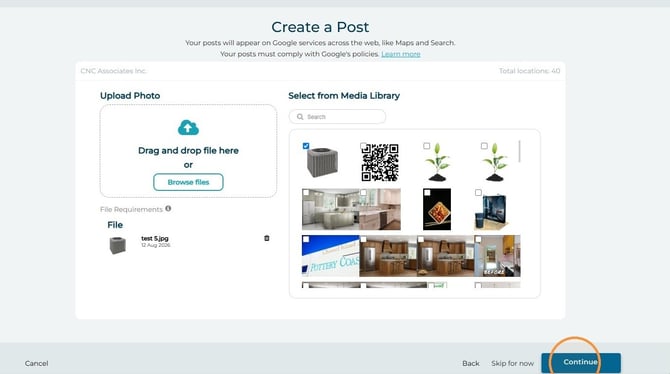
7. Add the photo to be utilized for the post - there is also an option to the right allowing you to use a photo that you already uploaded in the Photo tool
8. Click "Continue"
9. Write your post description
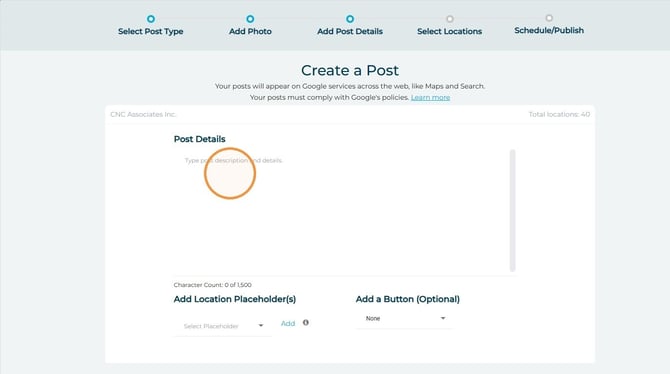
10. We also recommend that you take advantage of the call-to-action button
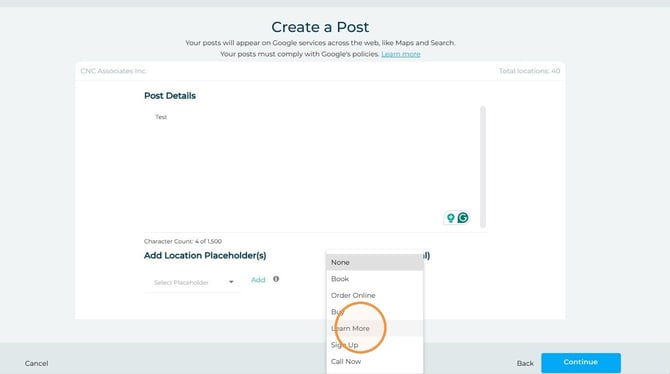
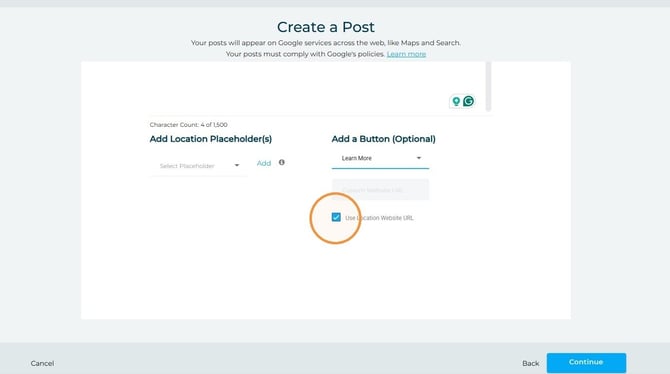
11. Some of these options will lead the client to a URL - you can give the Post a specific URL to forward to if you have one; otherwise, the post will utilize each Google profile's general URL
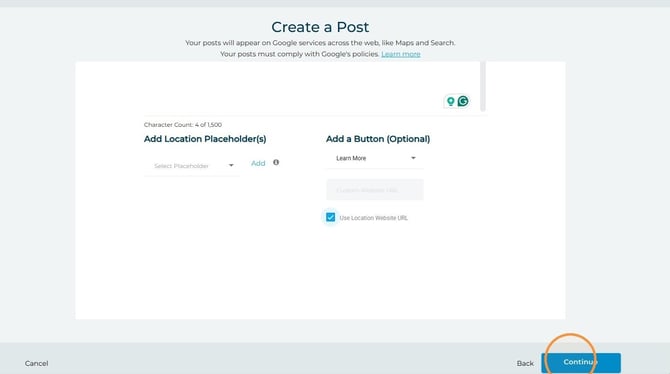
12. Click "Continue"
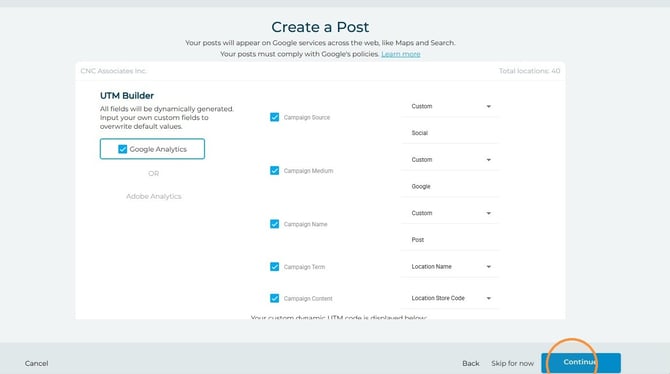
13. This next step allows you to add a UTM to the post. Configure as you desire and then select "Continue"
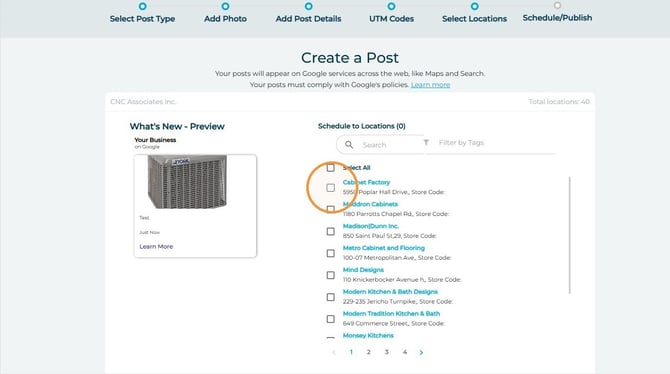
14. Select the locations you'd like to schedule the post for
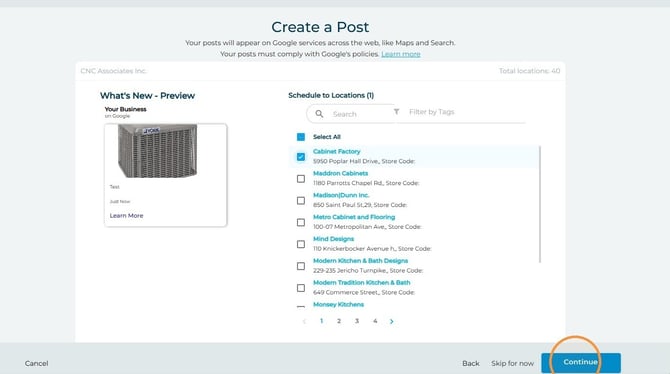
15. Click "Continue"
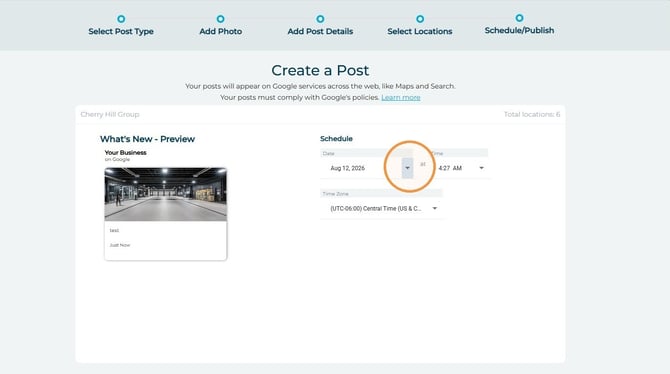
16. Schedule the post for the desired date and time
17. Click "Continue"
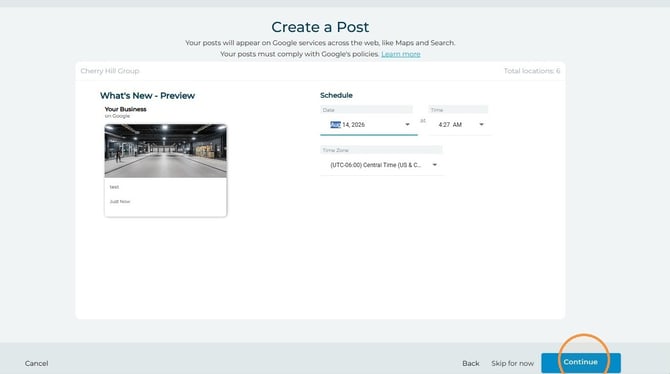
18. Click "Ok" and your post has been scheduled!