
The License Activity Report gives you a detailed history of license activity within your account. It provides a chronological record of changes, making it easy to see what happened, which location was affected, who made the change, and when it occurred.
Whether you need to review a recent license change, track license assignments and unassignments, or better understand your account’s license history, the License Activity Report gives you one place to review that activity.
What Can I See in the License Activity Report?
The License Activity Report is organized into four columns that provide details about each license change:
- Activity: See what type of license activity occurred, such as a license being assigned or unassigned.
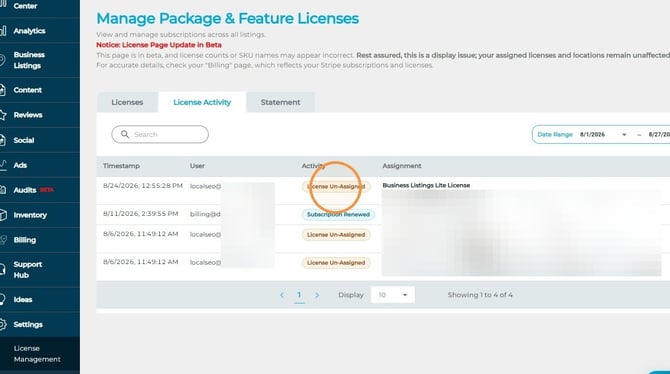
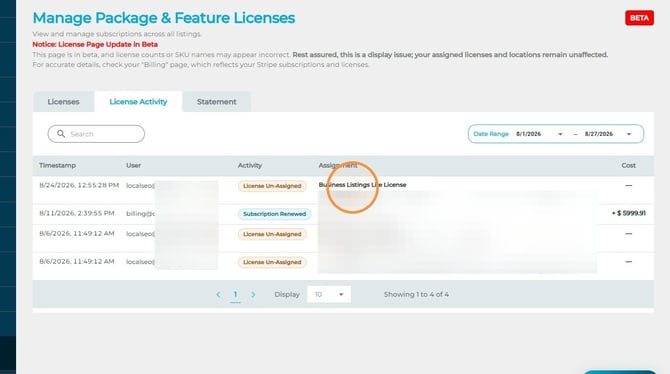
- Assignment: See which location was affected by the license change.
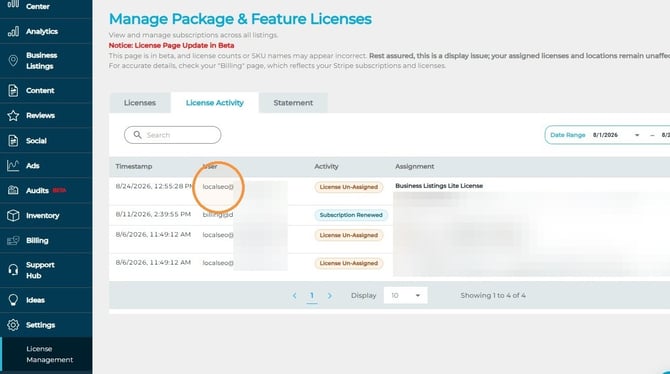
- User: See who made the change.
- Timestamp: See the date and time the action took place.
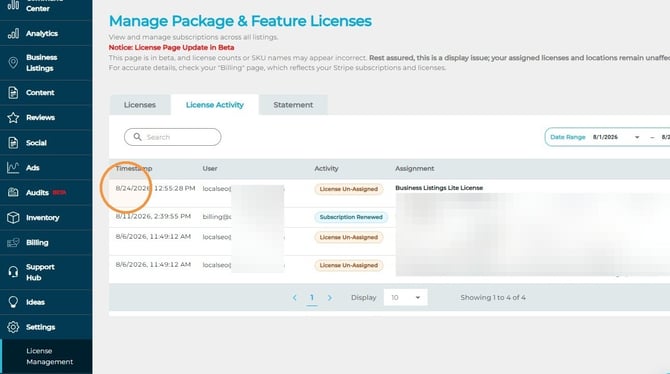
Together, these details provide a clear history of license changes across your account, making it easy to identify when licenses were added or removed and who made each change.
*Reviewing Activity for a Specific Time Period:Use the date-range controls to narrow the License Activity Report to a specific period.
Why Use the License Activity Report?
As licenses are assigned and unassigned across your locations, keeping track of those changes can become difficult. The License Activity Report provides a centralized record of that activity so you can quickly understand the history of your licenses without having to track changes manually.
With the report, you can easily see what changed, where it changed, who made the change, and when it happened.