This article will review the process for adding Google Business Profile accounts to your dbaPlatform account.
1. Navigate to https://agency.dba.media/v2/#/location-groups/location
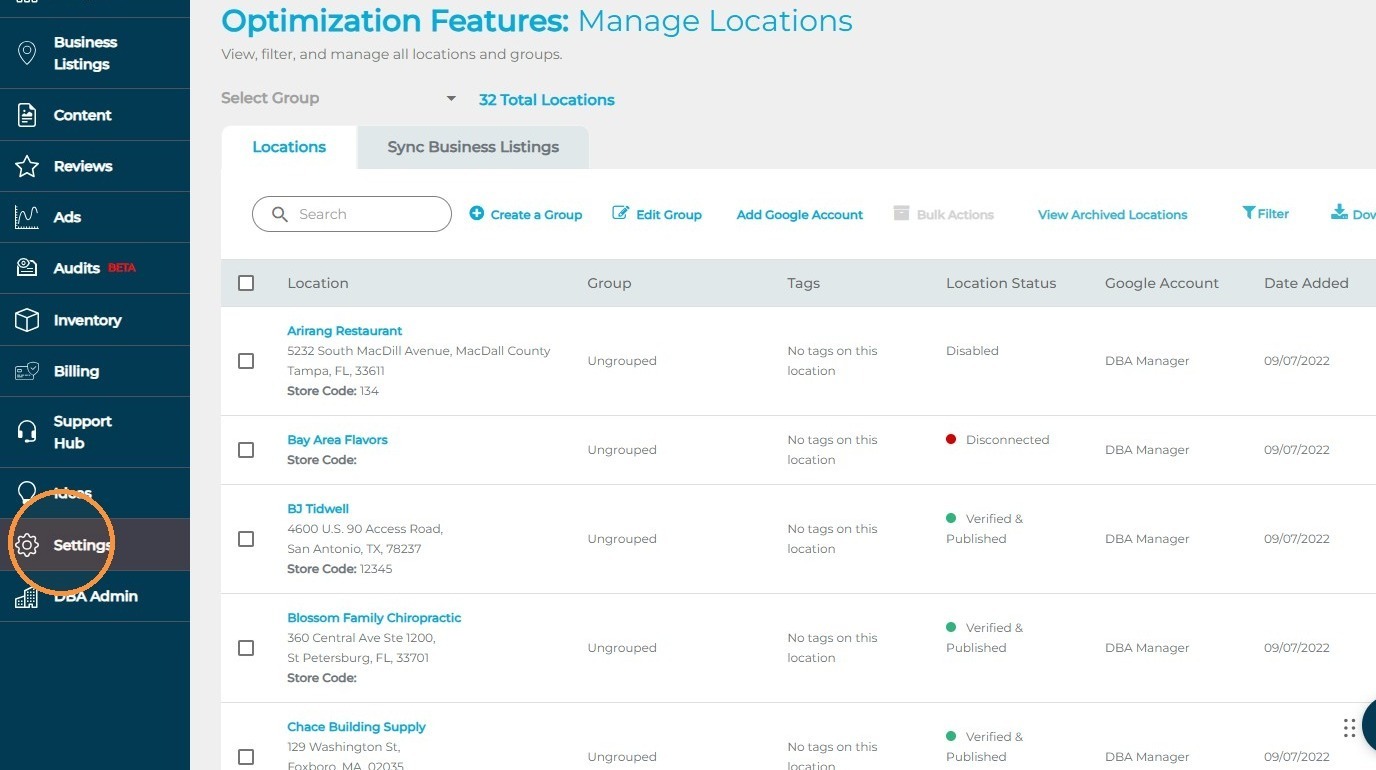
2. Click "Settings"
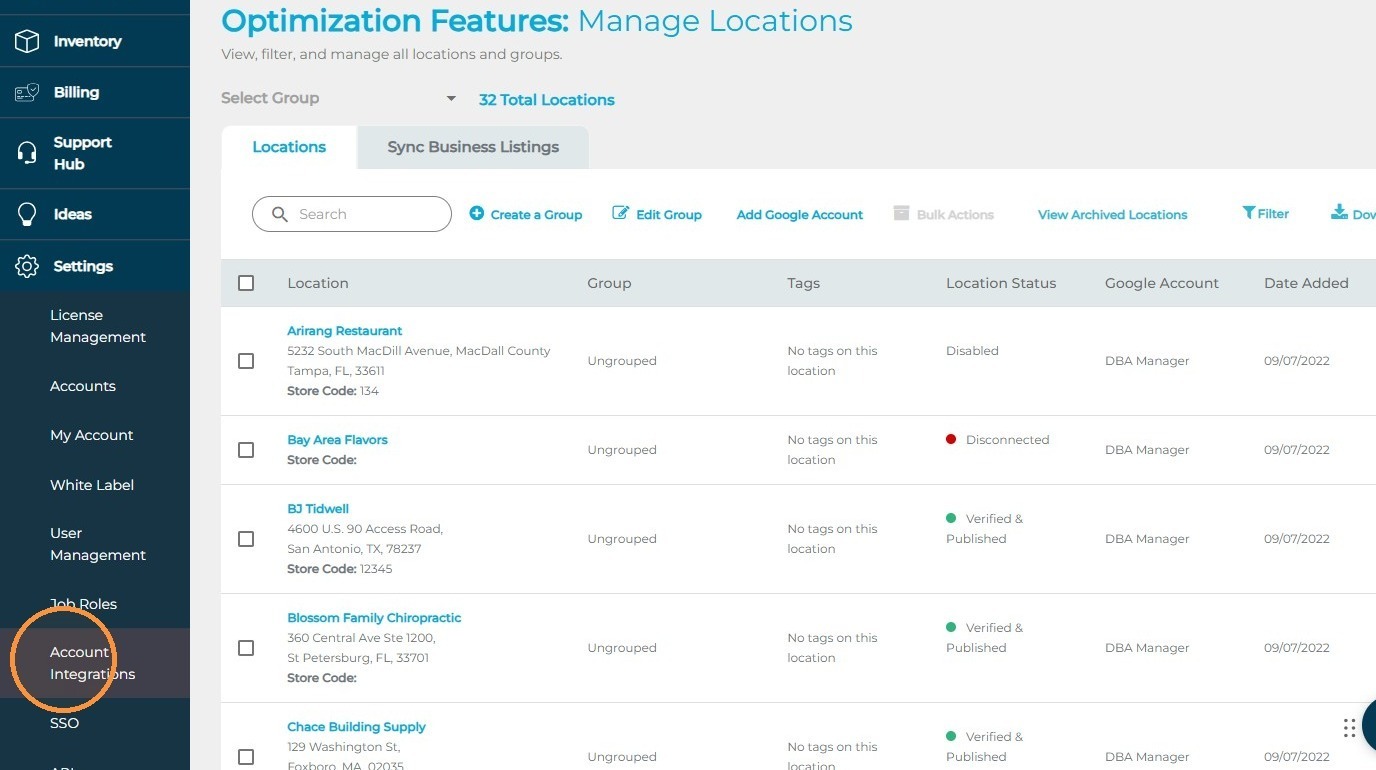
3. Click "Account Integrations"
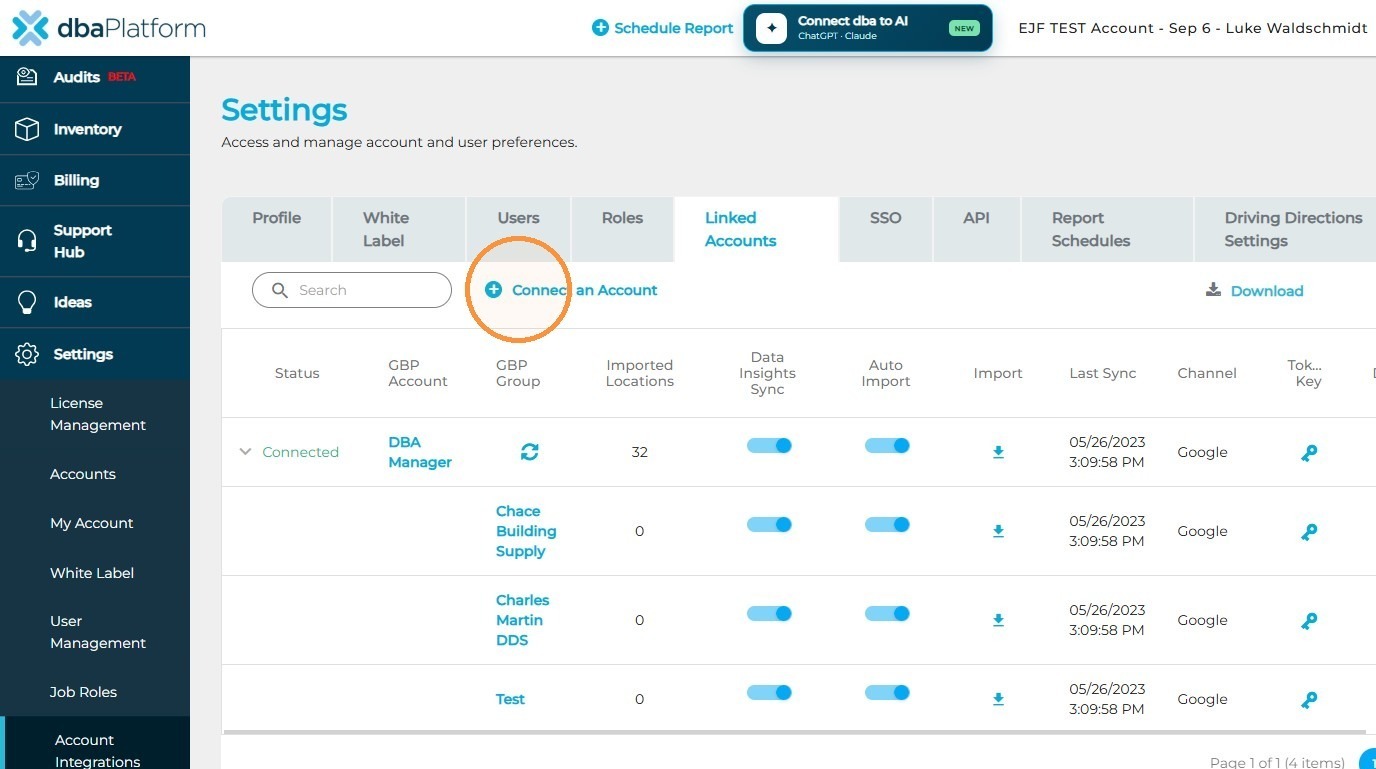
4. Click "Connect an Account"
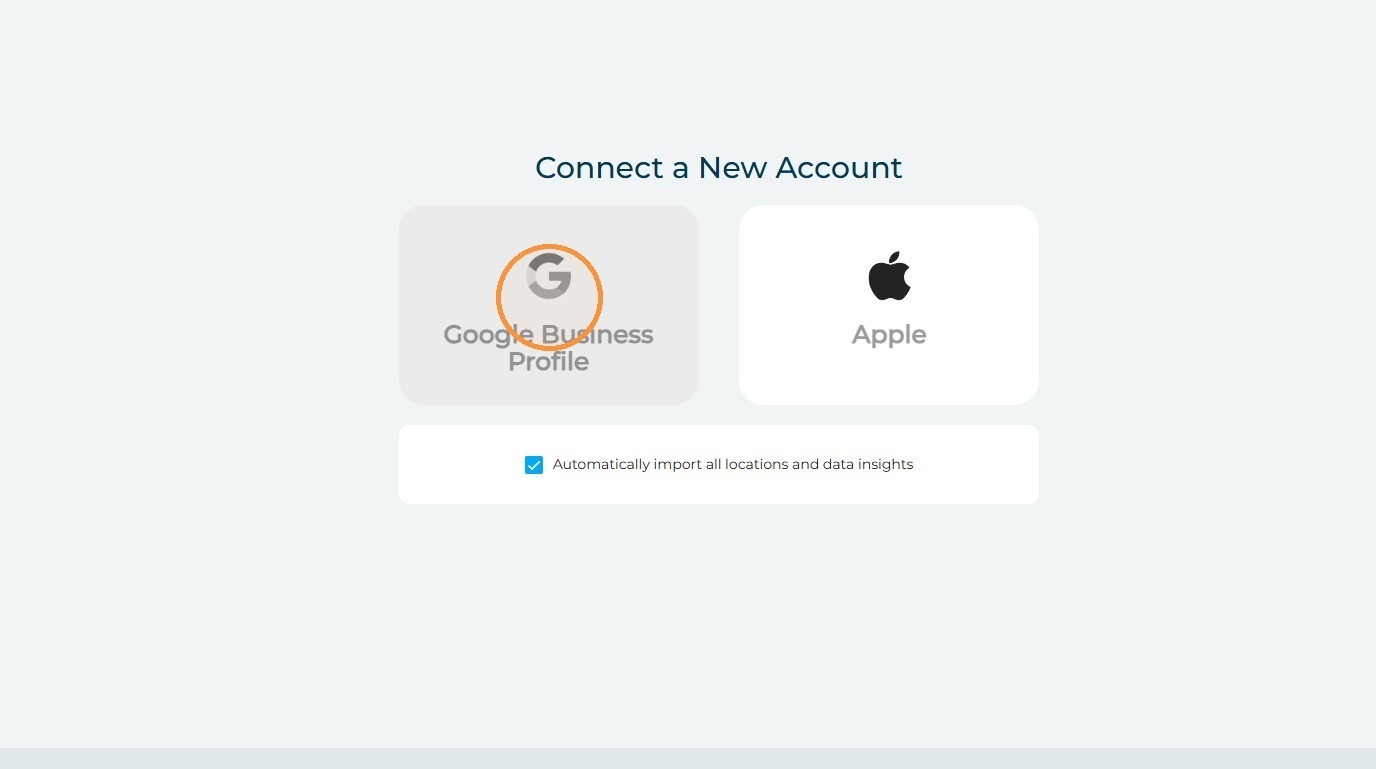
5. Click the Google Business Profile option
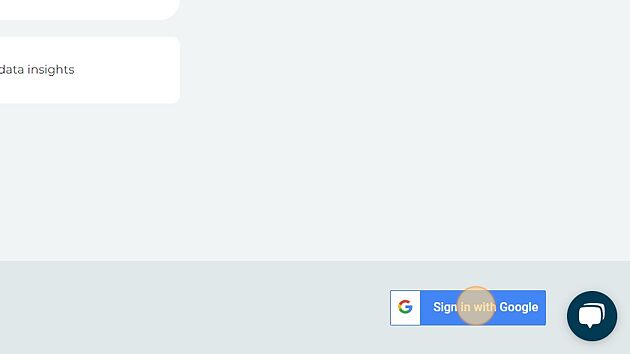
6. Click "Sign in with Google"
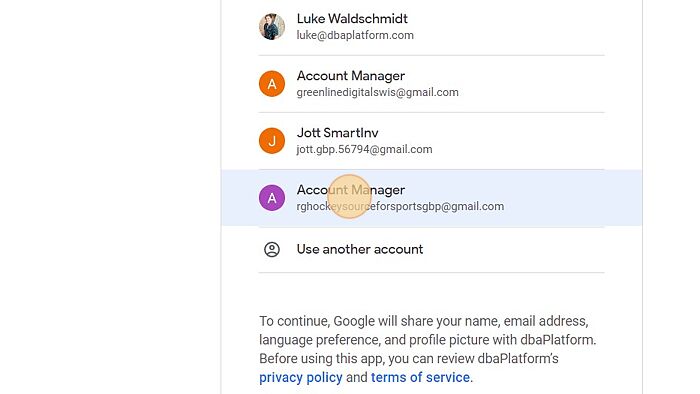
7. Select or sign into the Google account you wish to add and import locations from
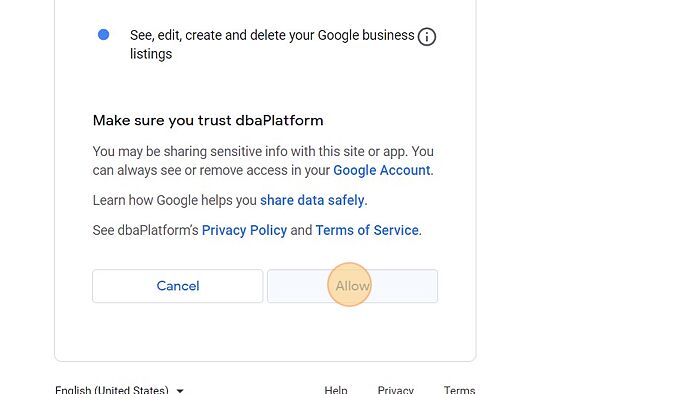
8. Click "Allow" and your Google account will be linked and will import locations instantly