Skip to content
  • There are no suggestions because the search field is empty.

How do I purchase a new License or Service?

Follow these steps to purchase a package/license.

1. Select the "Settings" tab
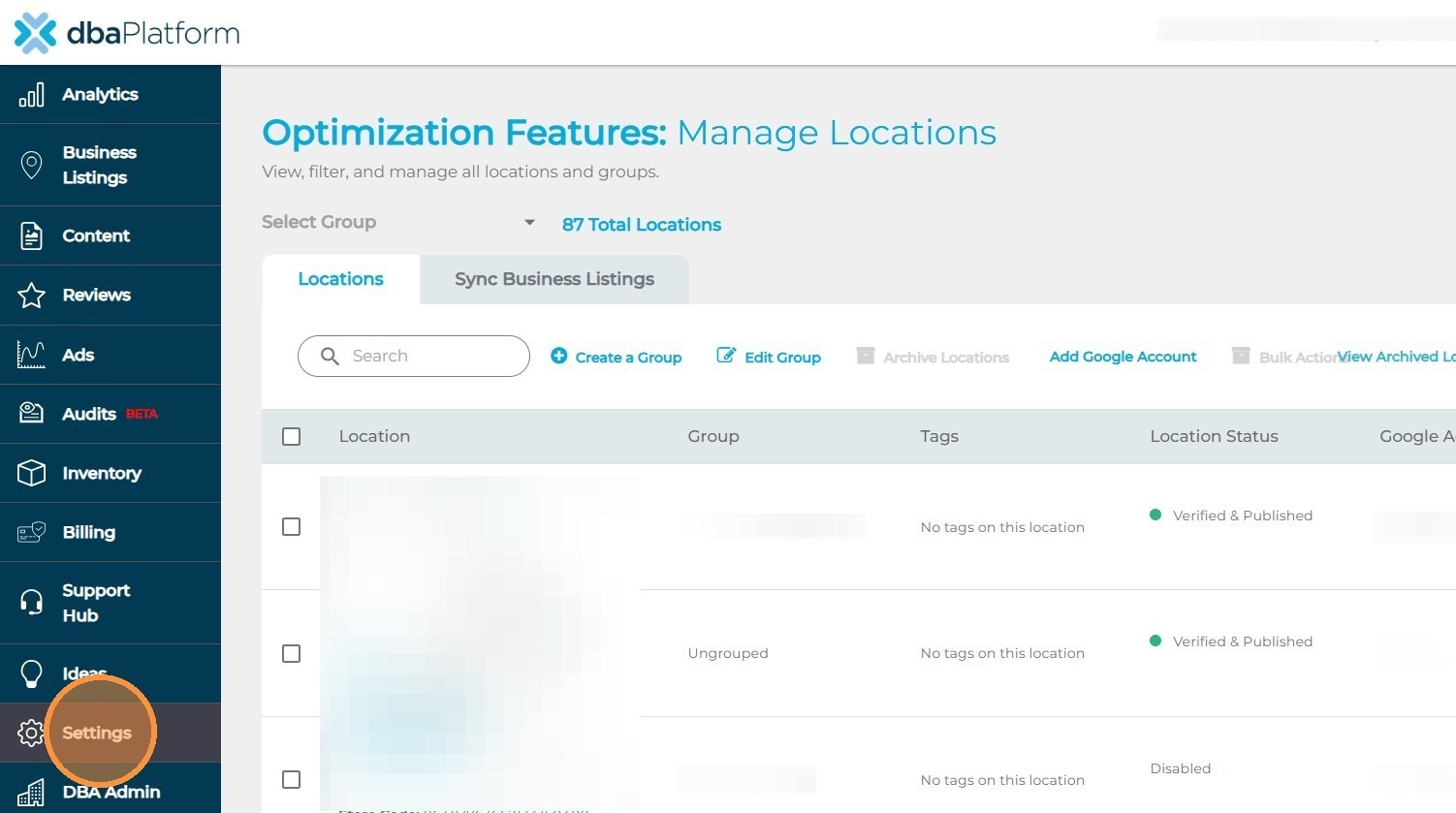
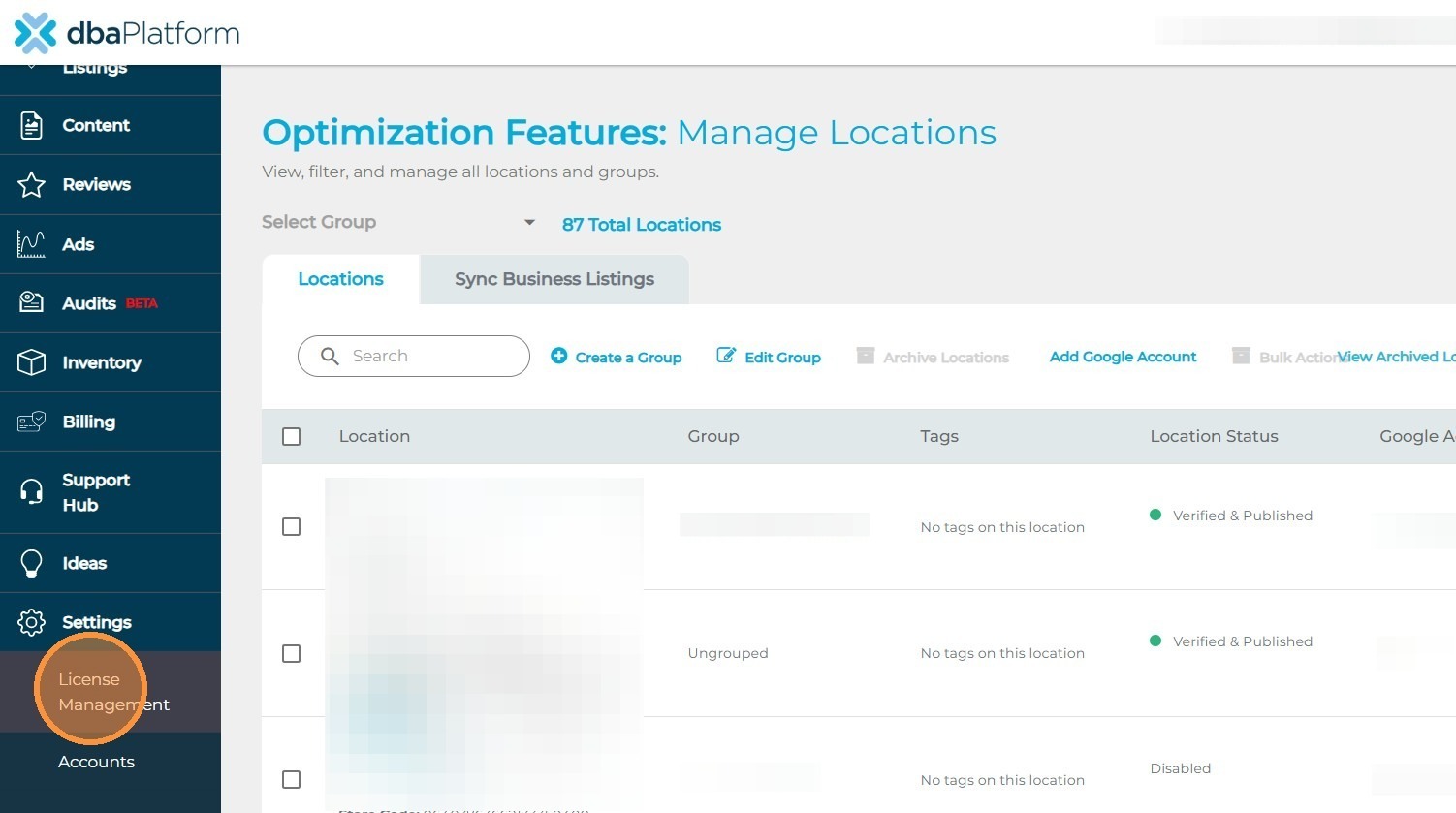
2. Click the "License Management" tab

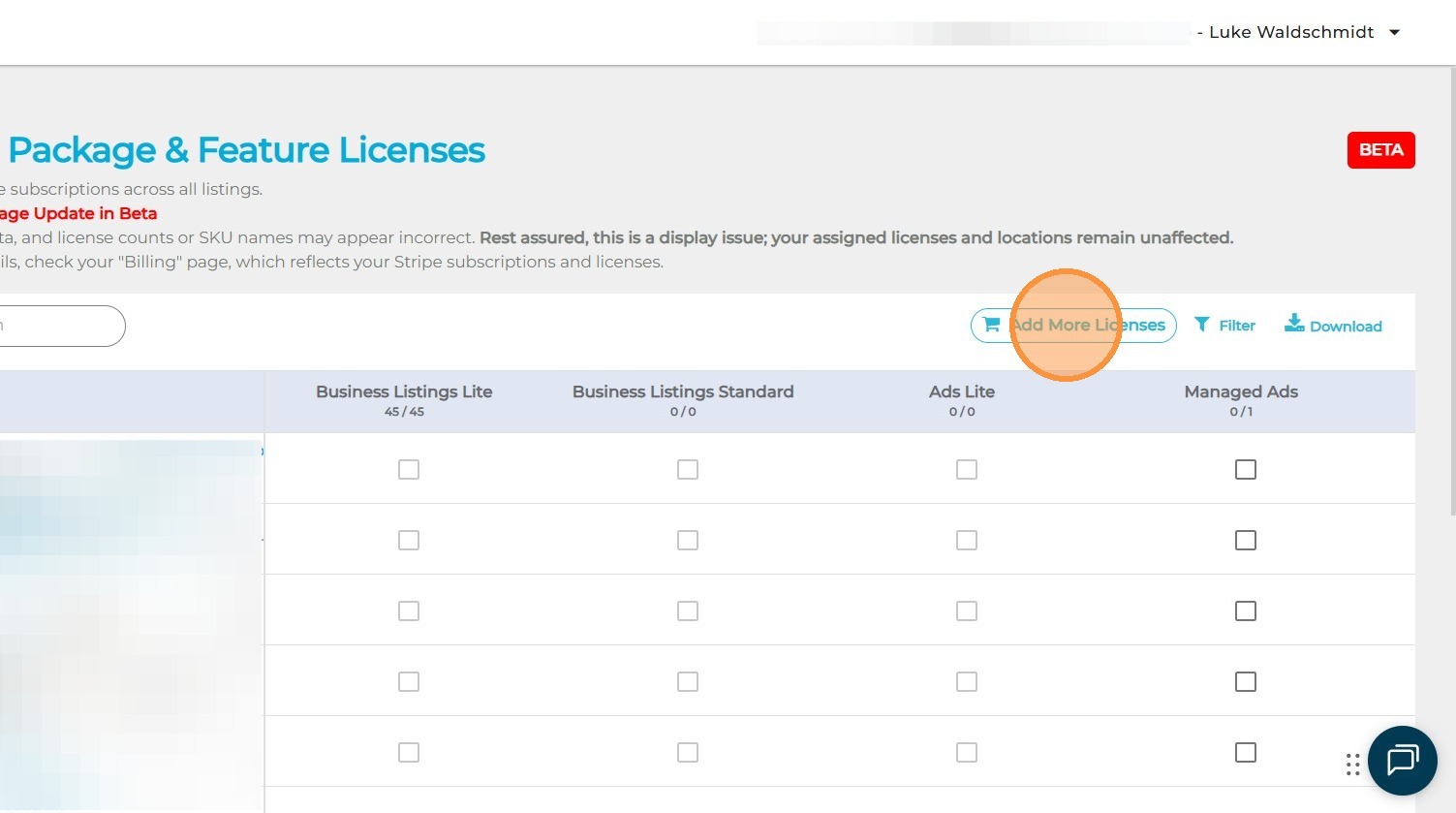
3. Click the "Add More Licenses" button

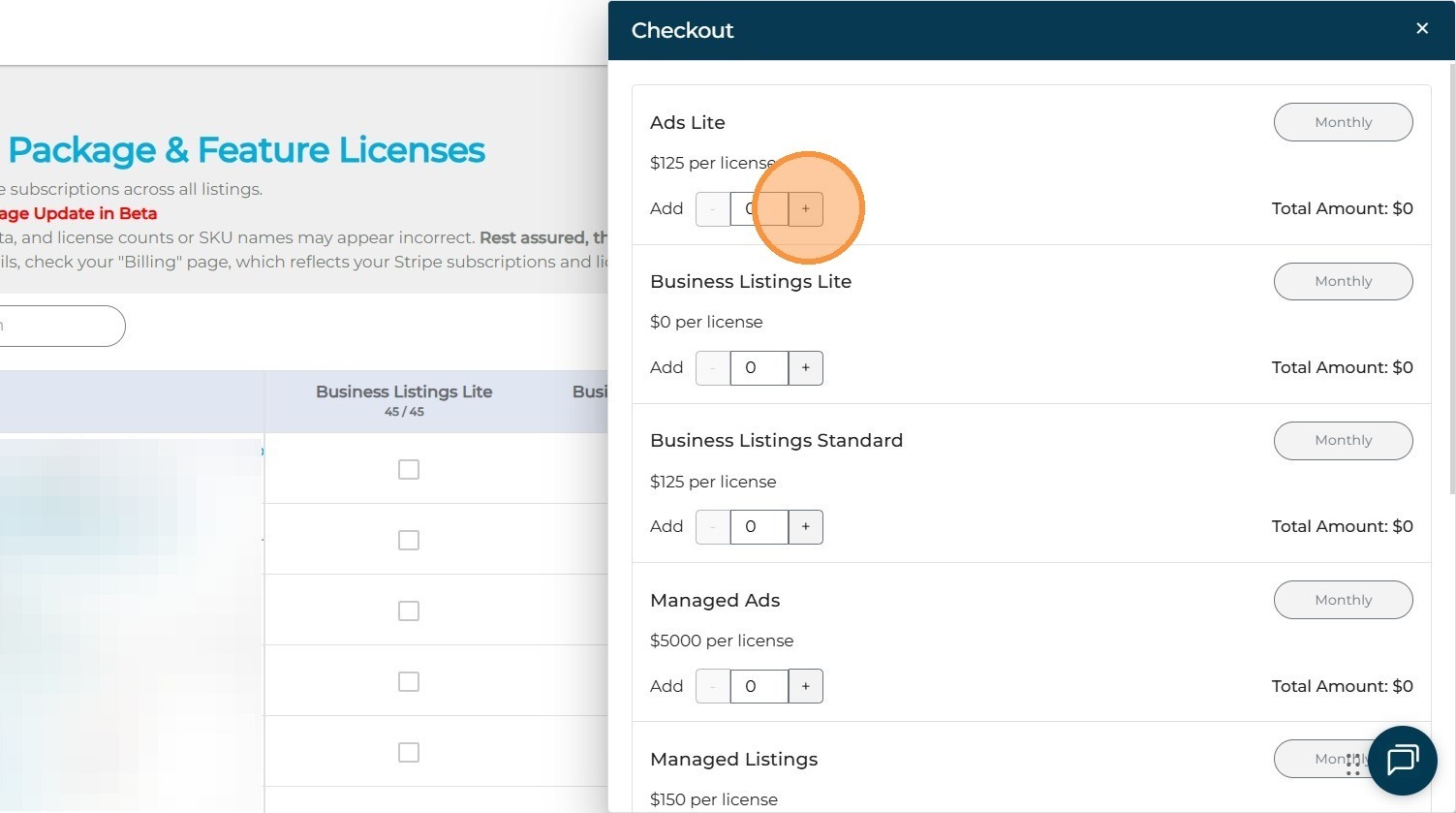
4. Click the "+" button to increase the license count for your desired package.

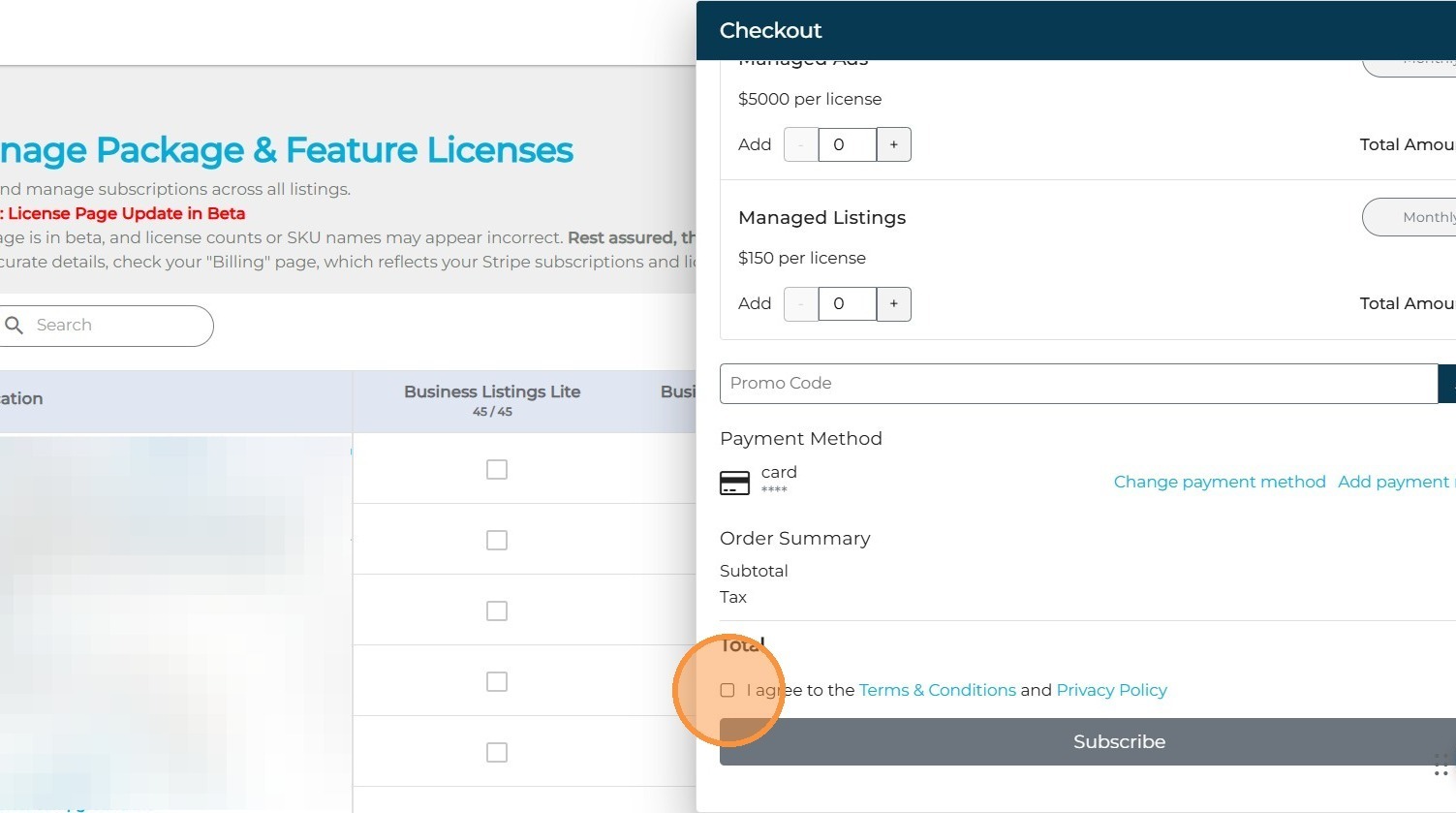
5. Select the checkbox to agree to the Terms & Conditions and Privacy Policy.

6. Lastly, select the "Subscribe" button, and you are good to go!