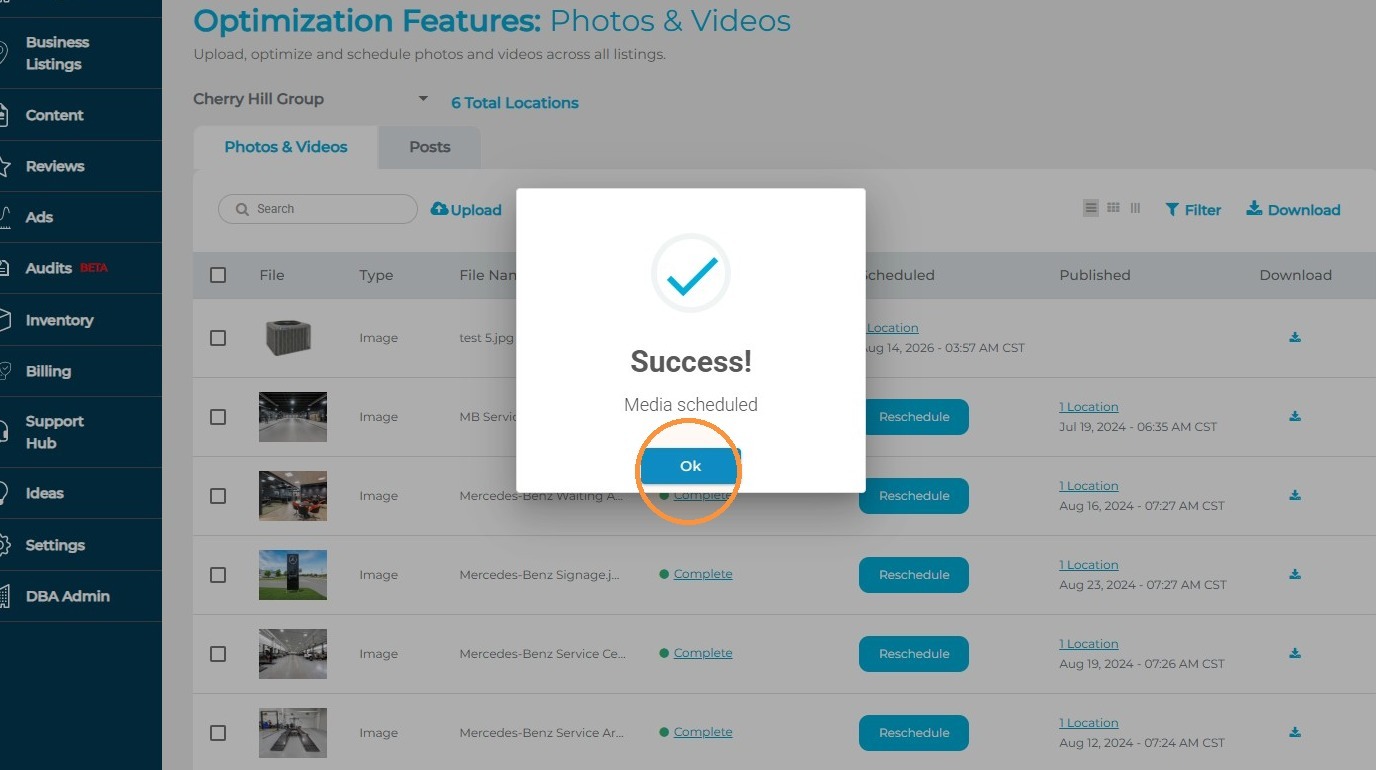
This article will review the process for scheduling photo content for single and multi-locations.
1. Navigate to https://agency.commandpad.io
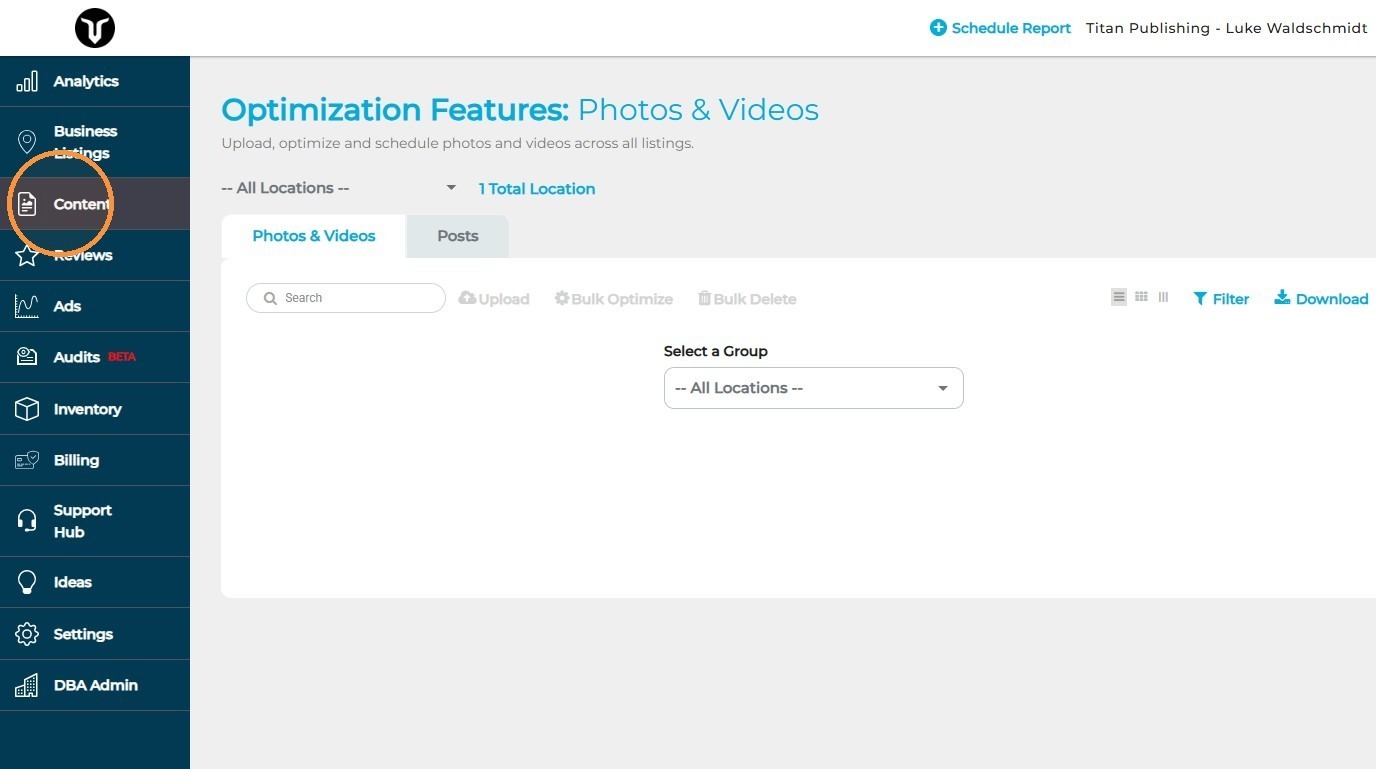
2. Click "Content"
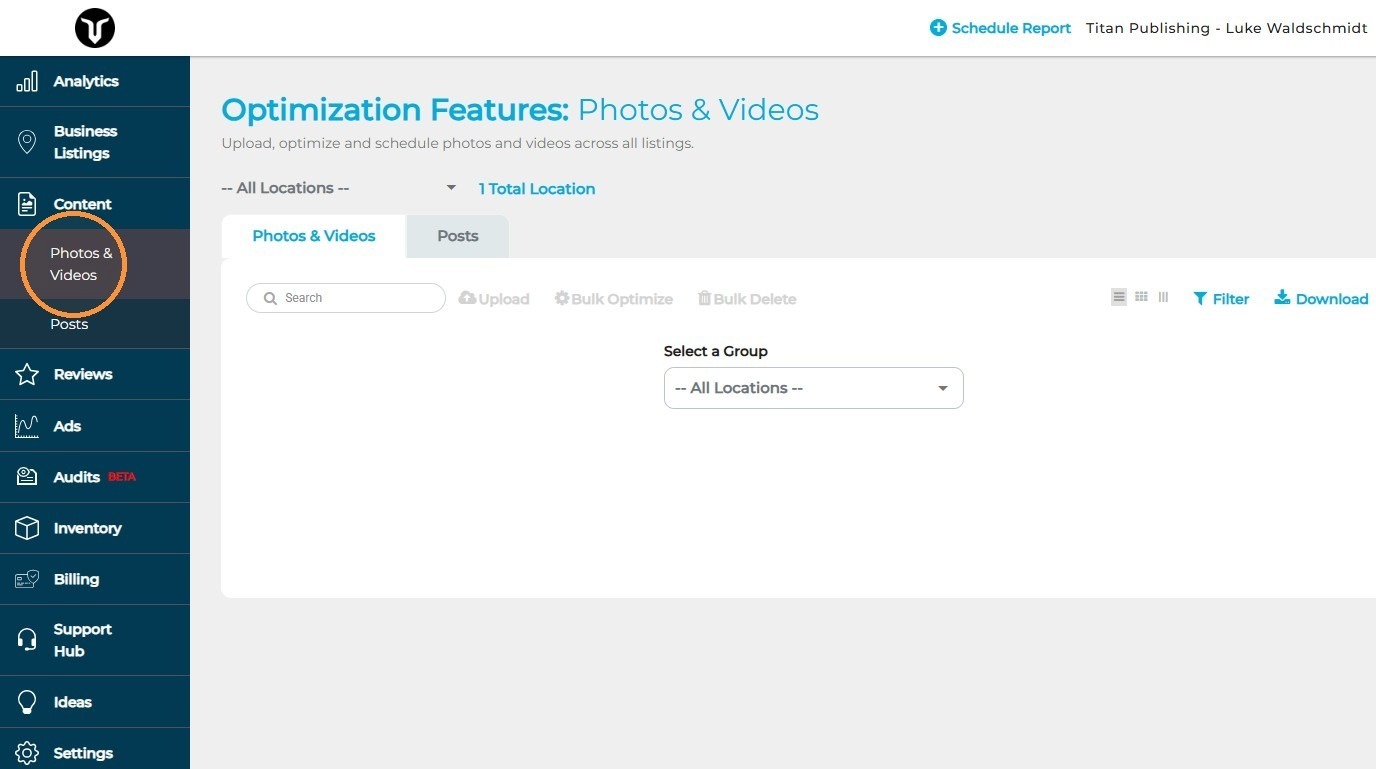
3. Click "Photos & Videos"
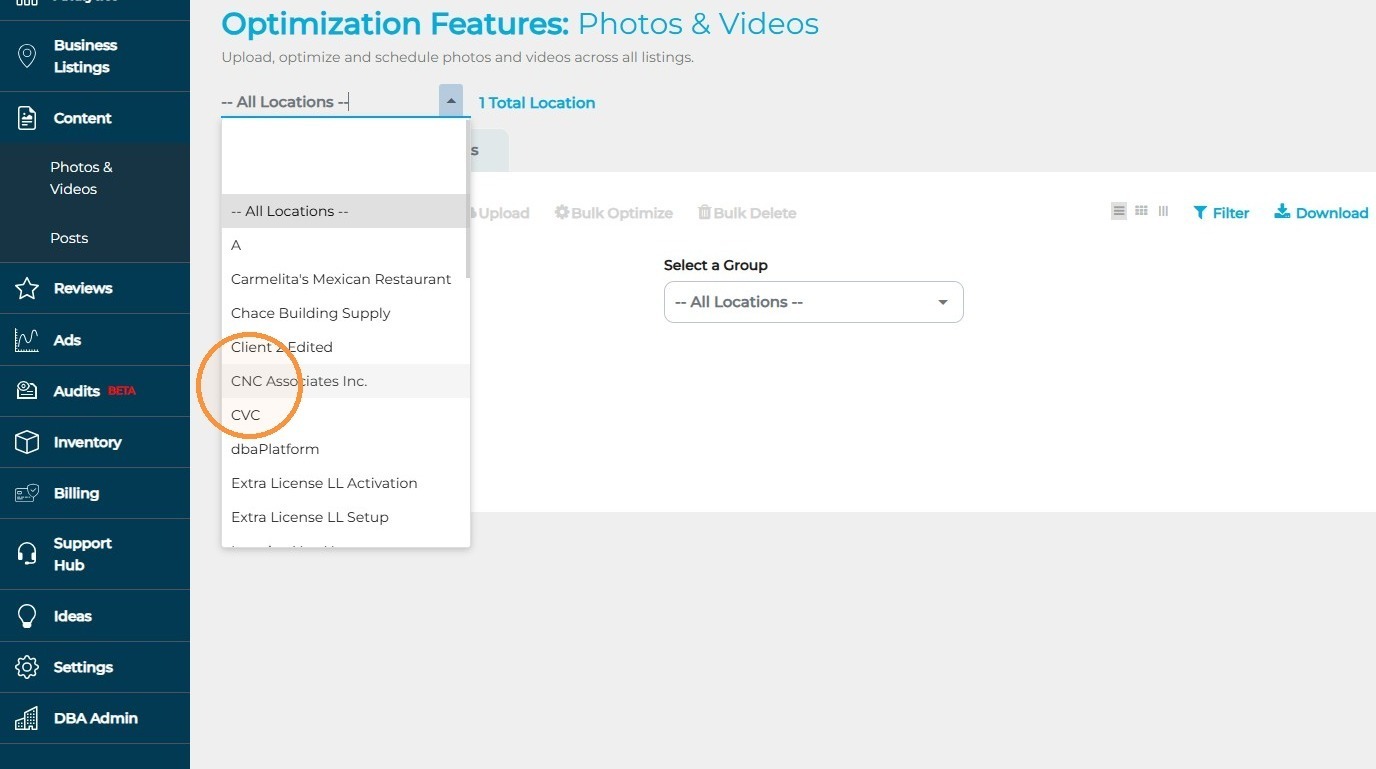
4. Click the drop-down menu and select the group you wish to schedule content for
5. Select "Upload"
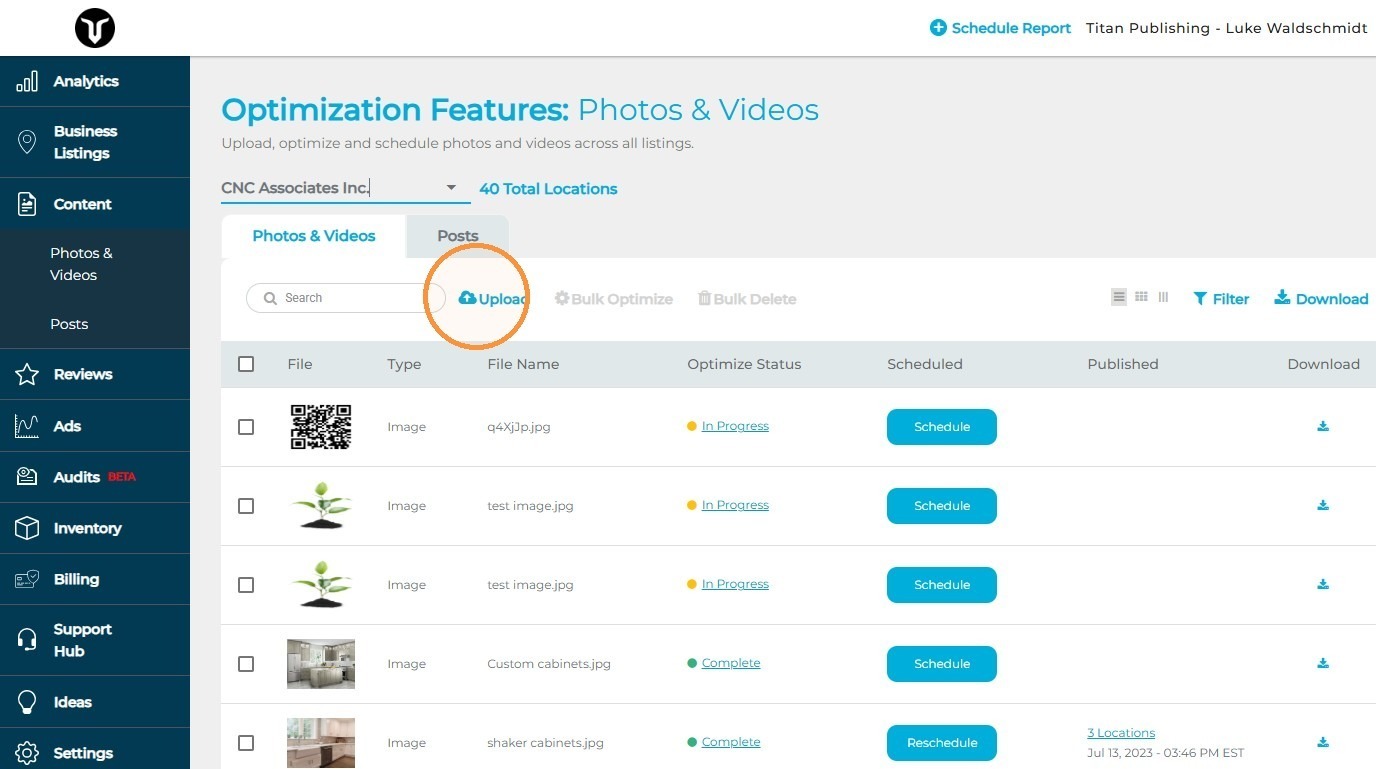
6. Click the "Browse files" field to search for your photos, or you can drag and drop your chosen photos. During this step, you can upload one or multiple photos - then select the photo you wish to utilize
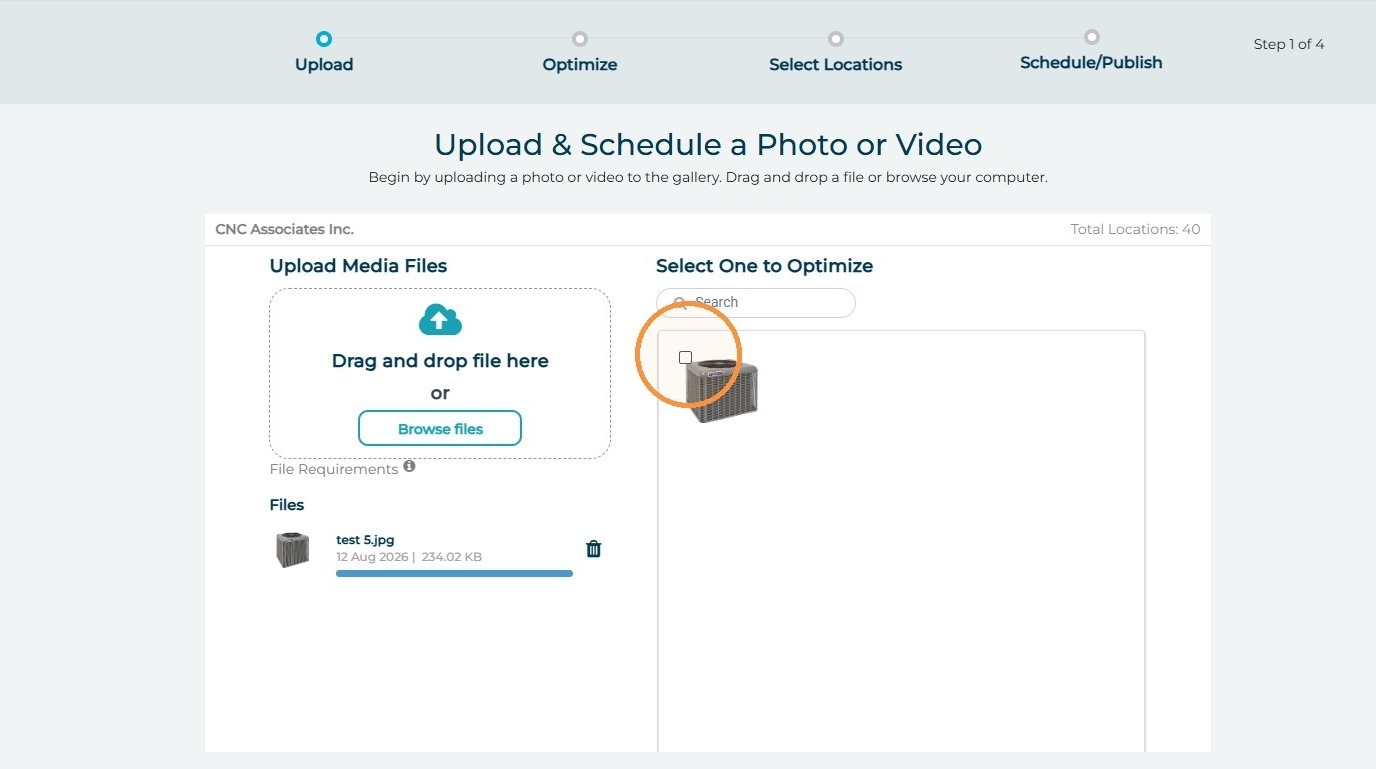
7. Select "Continue"
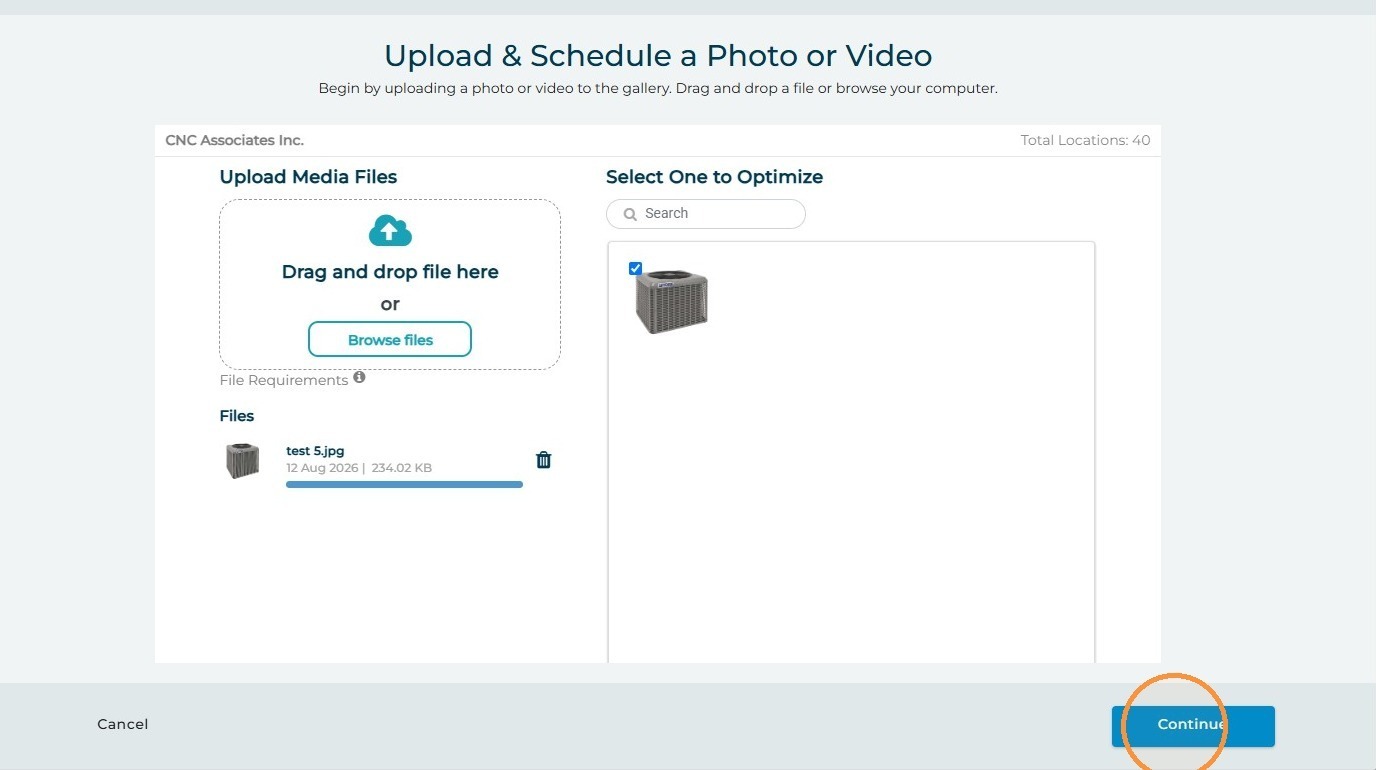
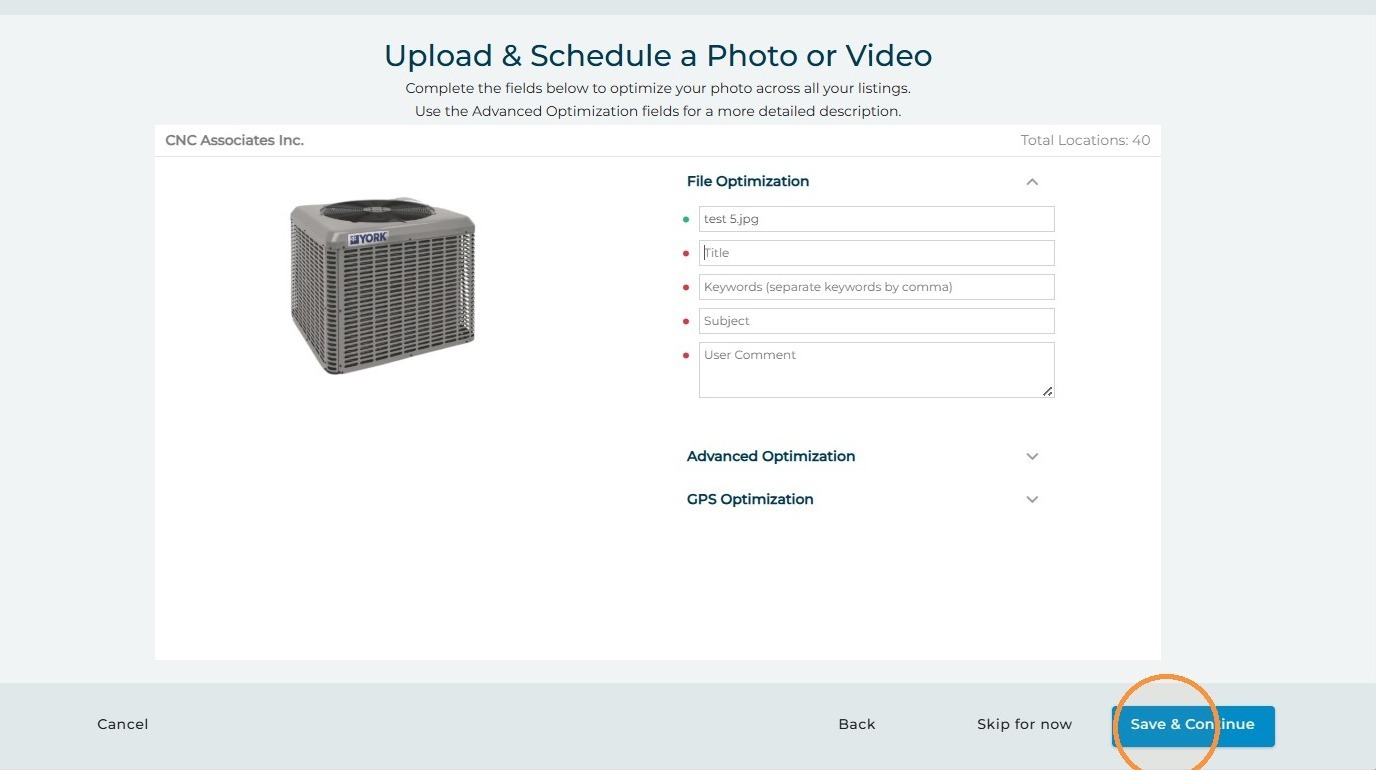
8. This step allows you to update the photo's File Name, Title, Keywords, Subject, and User Comment. The coordinate EXIF data of the photo will automatically be optimized by the platform to exactly match the GBP's coordinates - if scheduling for multi-locations, the photo will be duplicated to match each profile individually
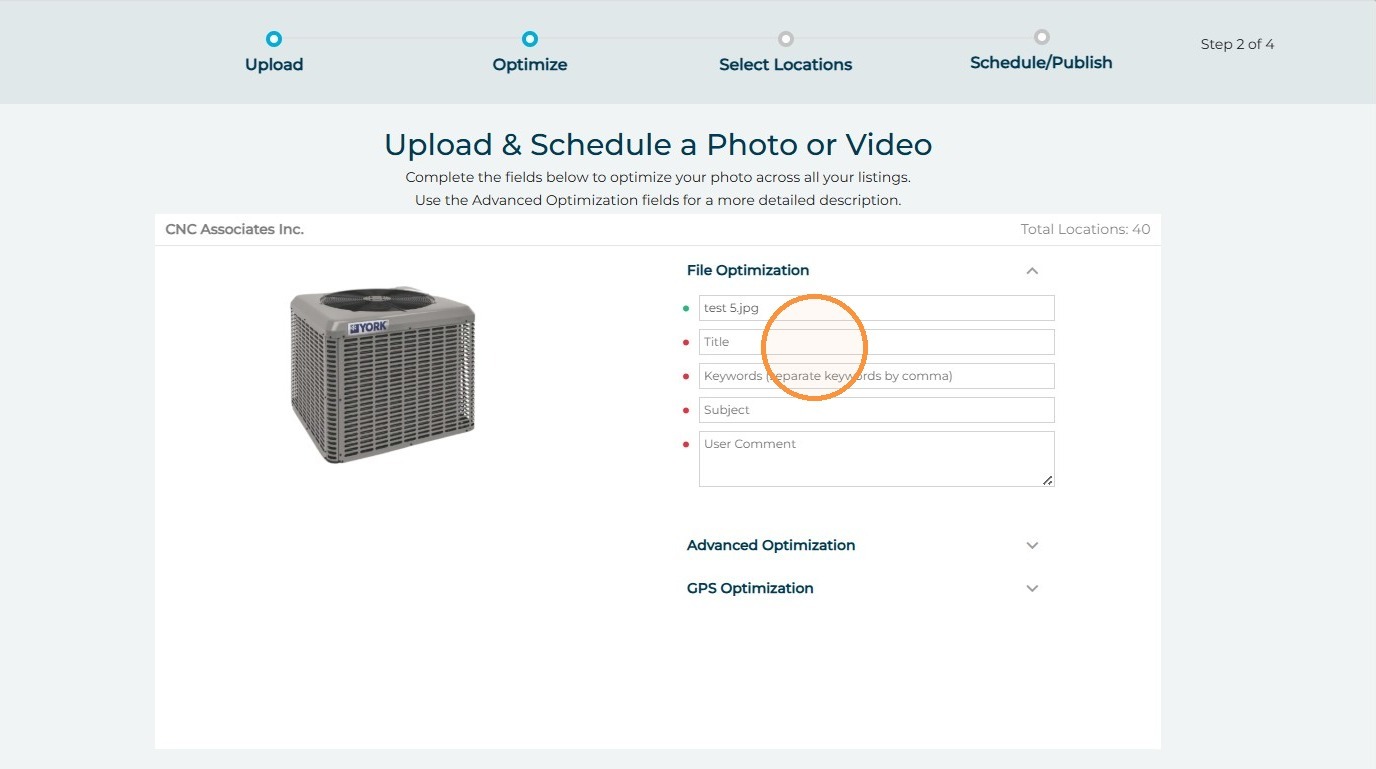
9. Click "Save & Continue"
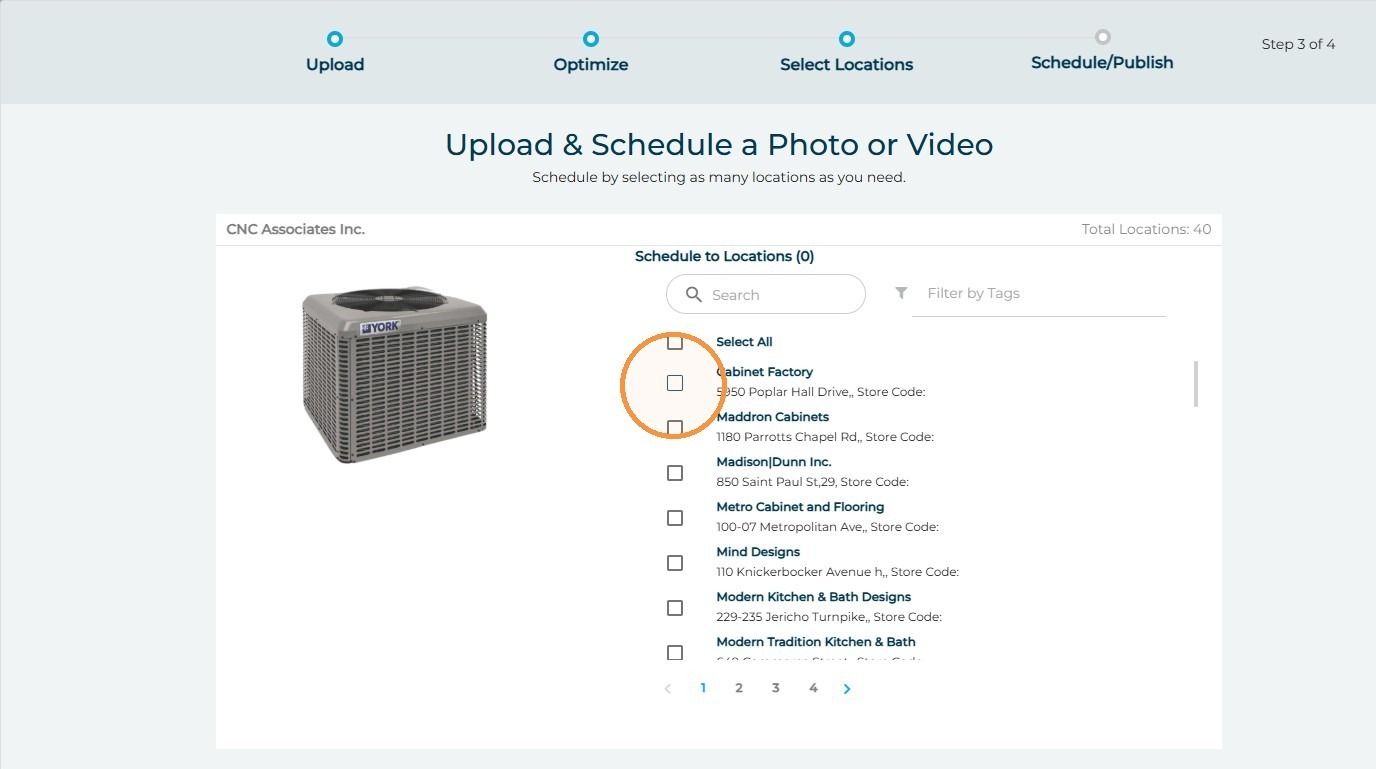
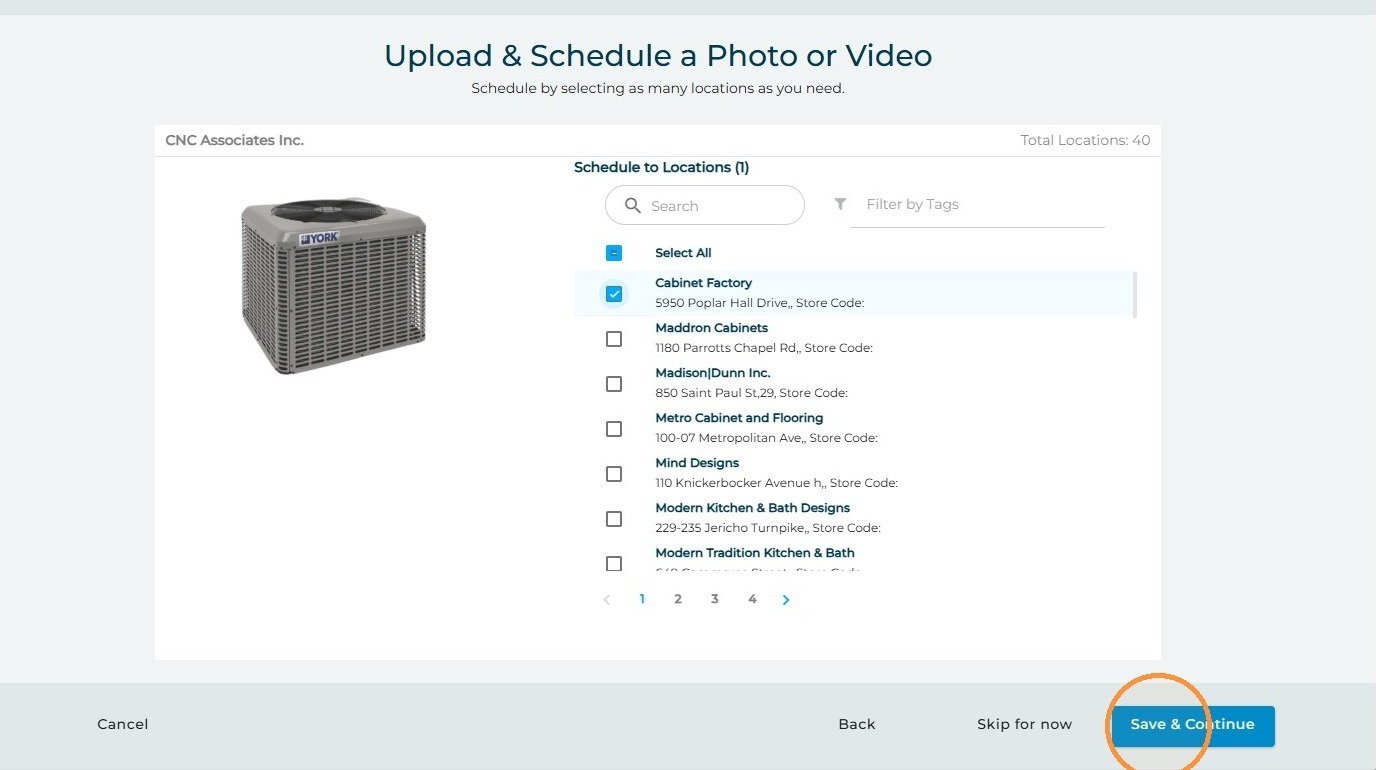
10. Select the locations within the group you wish to post this content for
11. Click "Save & Continue"
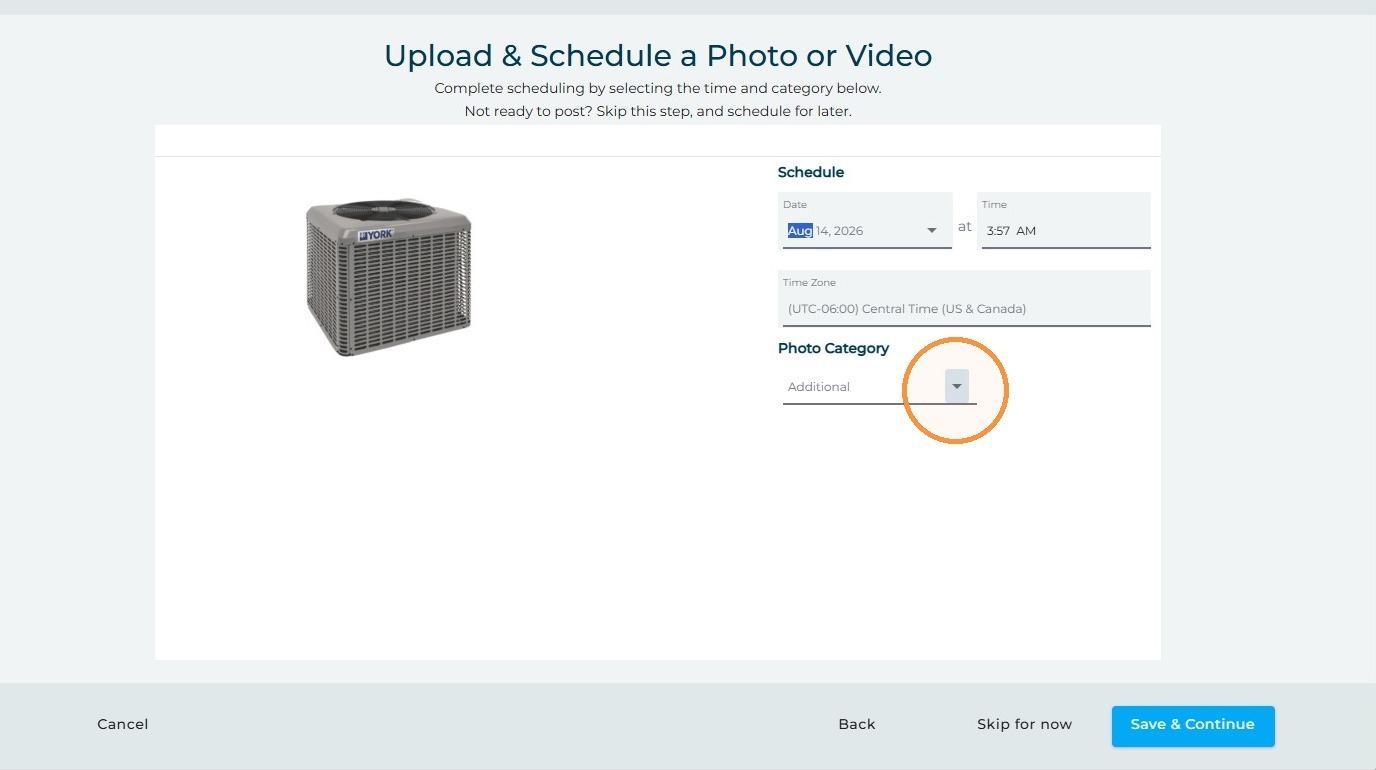
12. Select the date and time you'd like the content to be published
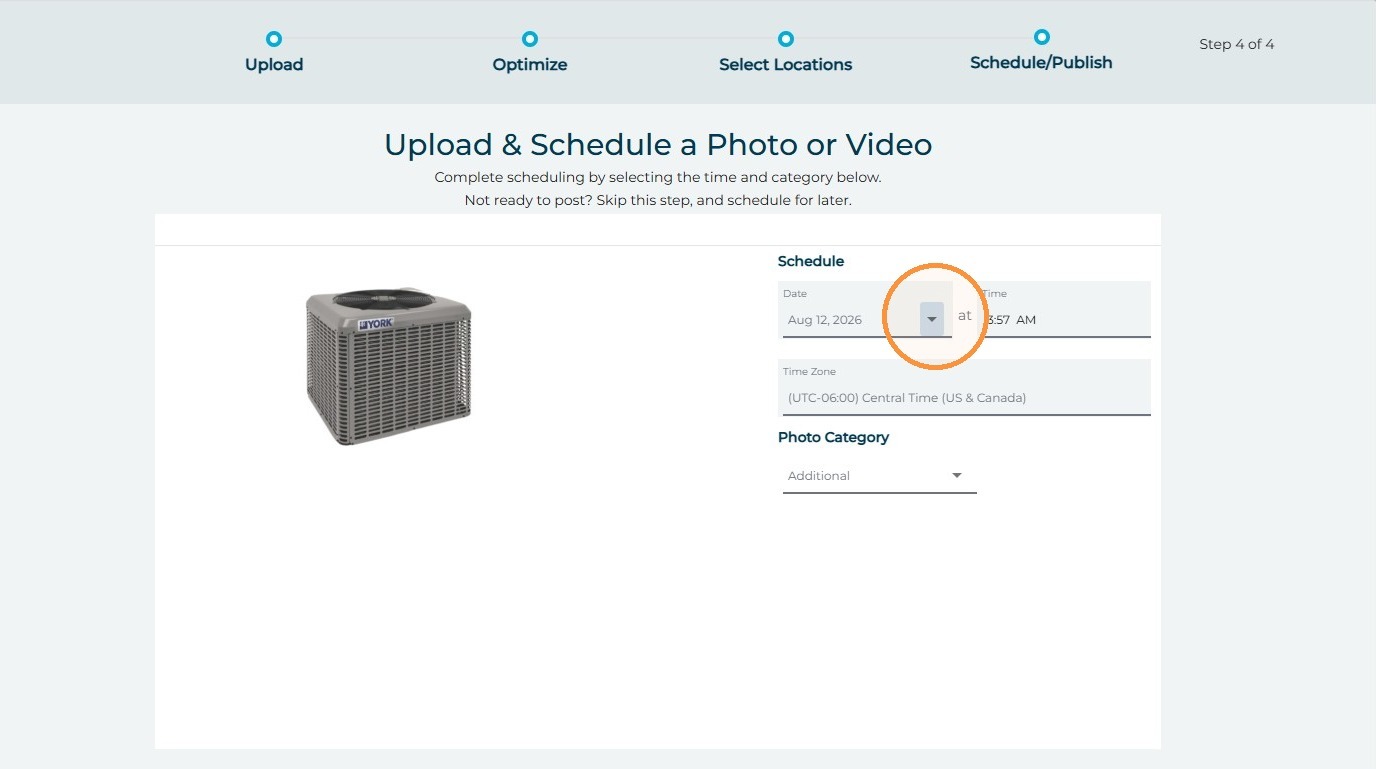
13. Select the category for the photo to be published to
14. Click "Save & Continue"
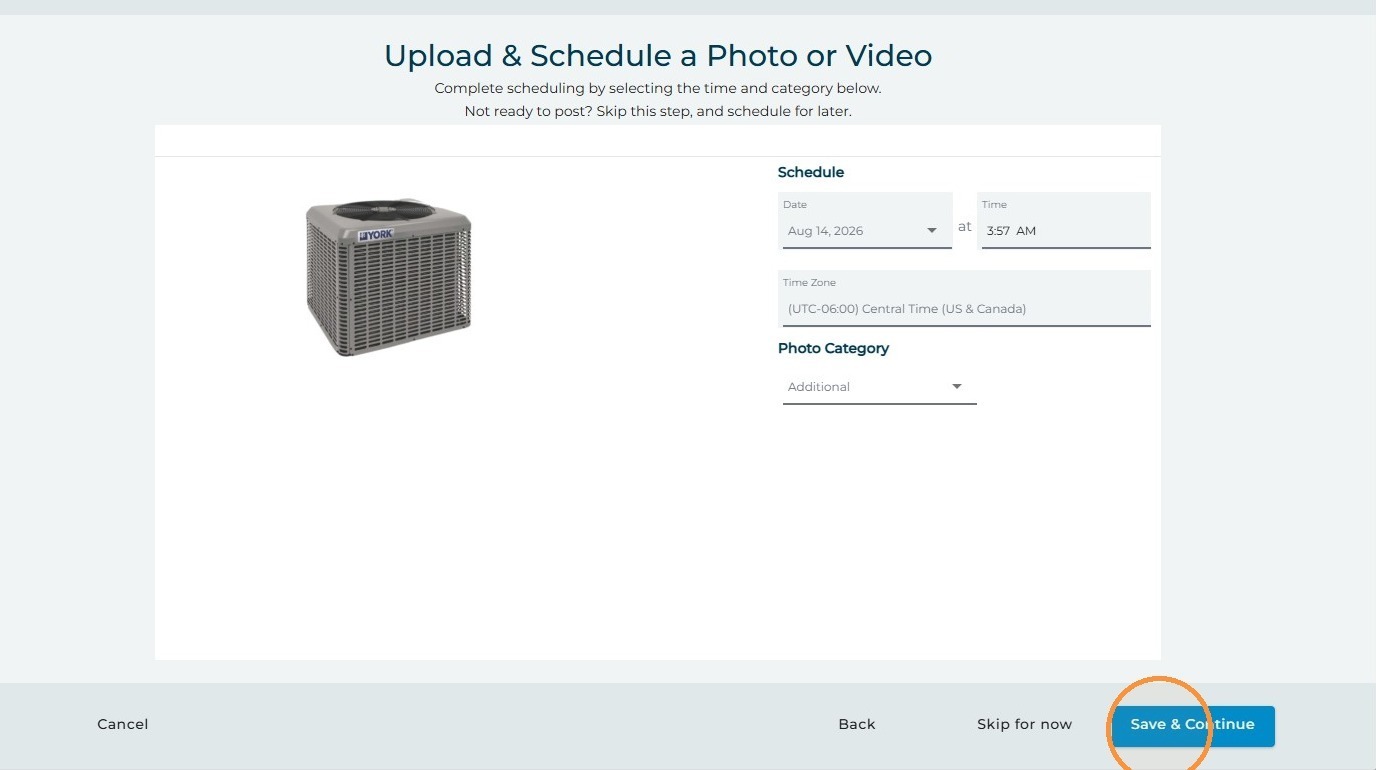
15. Click "Ok" and your content will be scheduled!