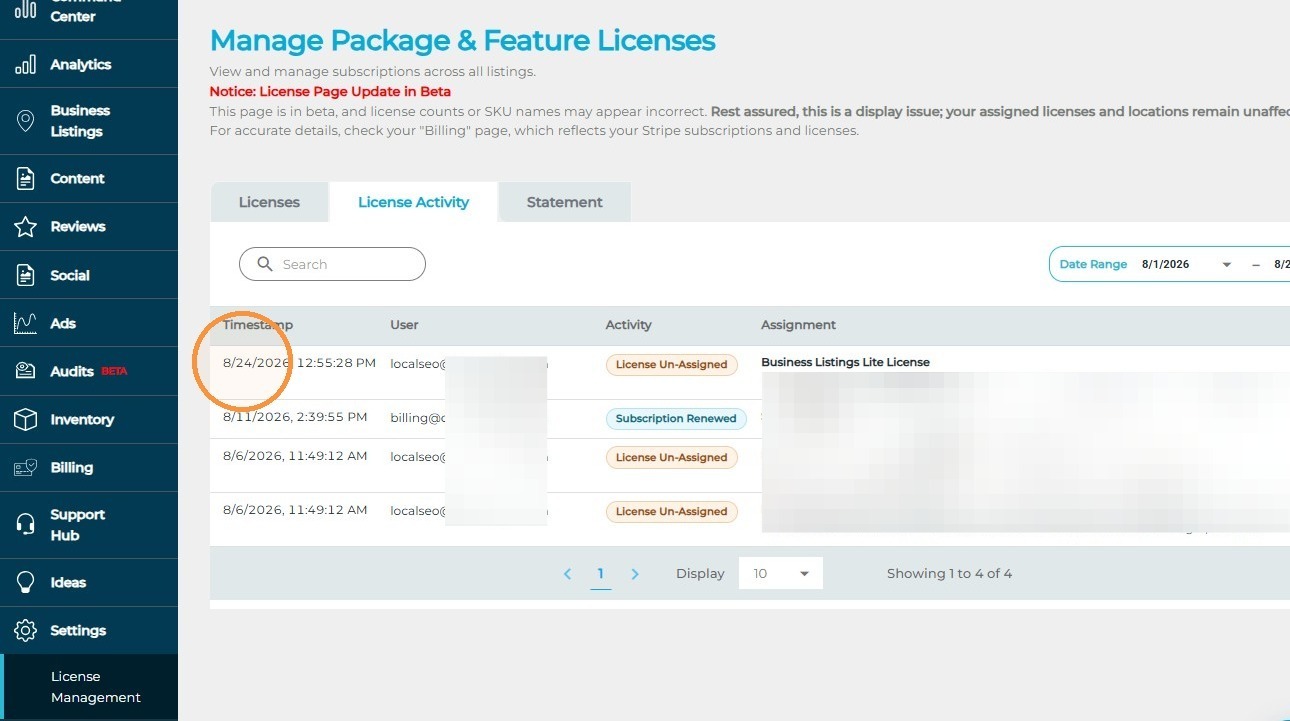
The License Activity Report gives you a complete history of your account’s subscription and license activity. Use this report to see when subscriptions were added or changed, as well as when licenses were assigned to or unassigned from locations.
This report makes it easy to track license changes over time and better understand how your account’s subscriptions have been used. This article will walk you through how to access the License Activity Report in dbaPlatform.
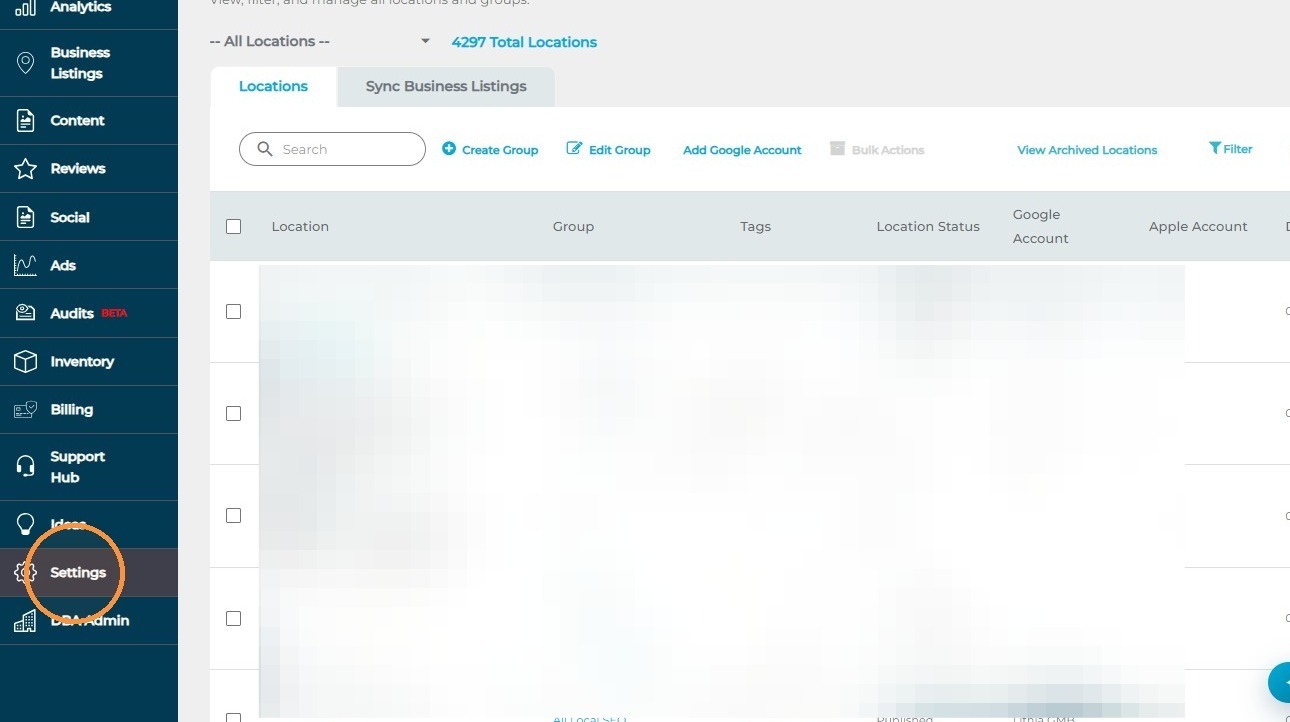
1. Click "Settings"
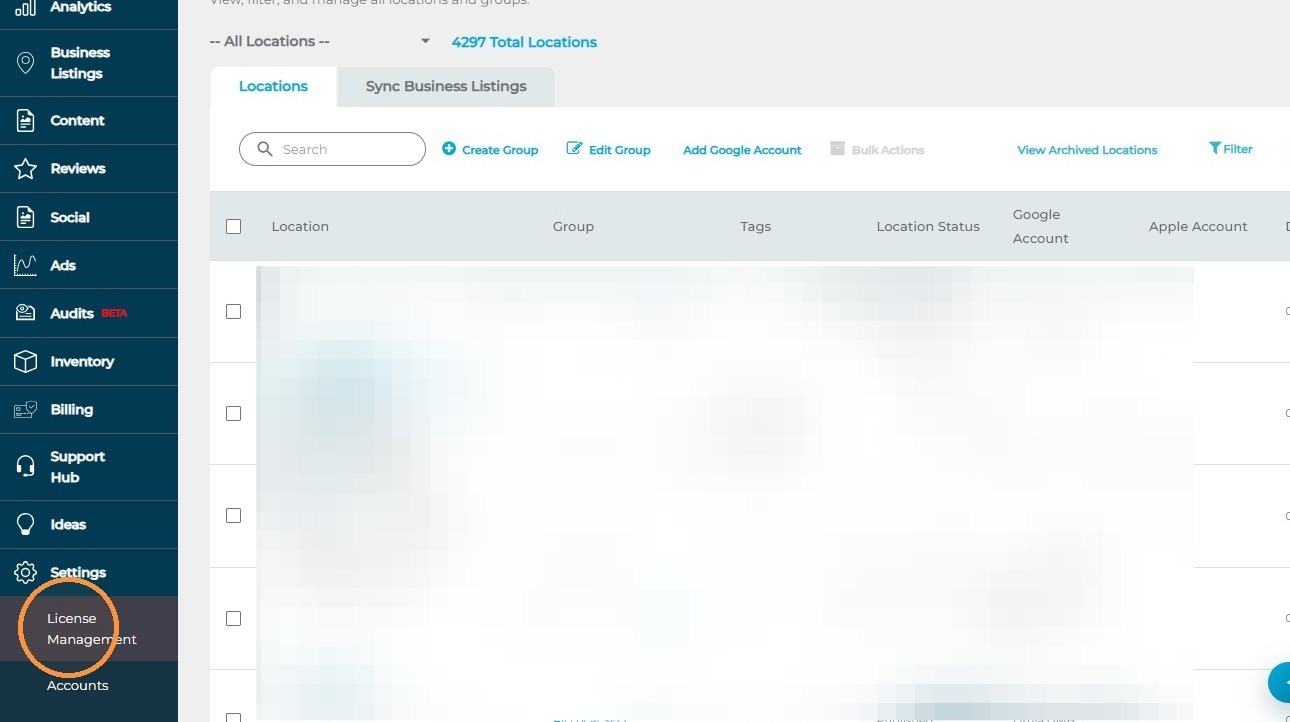
2. Click "License Management"
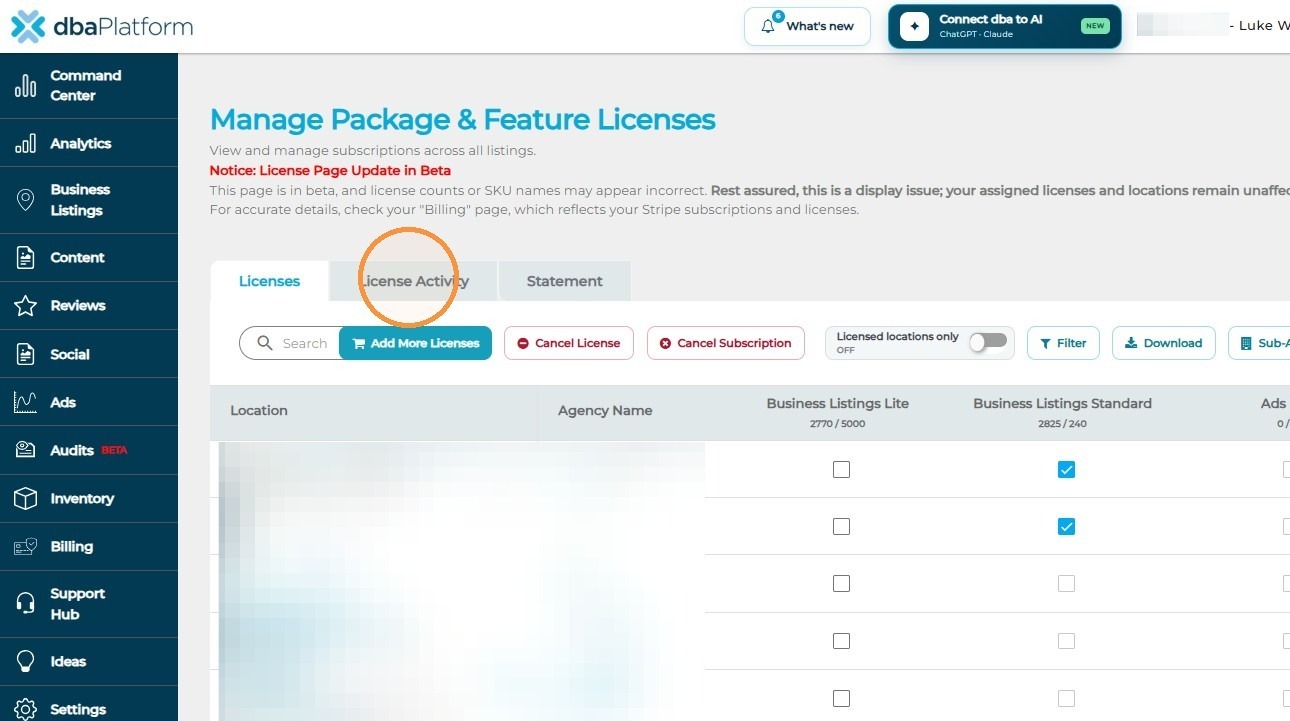
3. Click "License Activity"
License Activity Report Explained
1. Activity: See what type of license activity occurred, such as a license being assigned or unassigned.
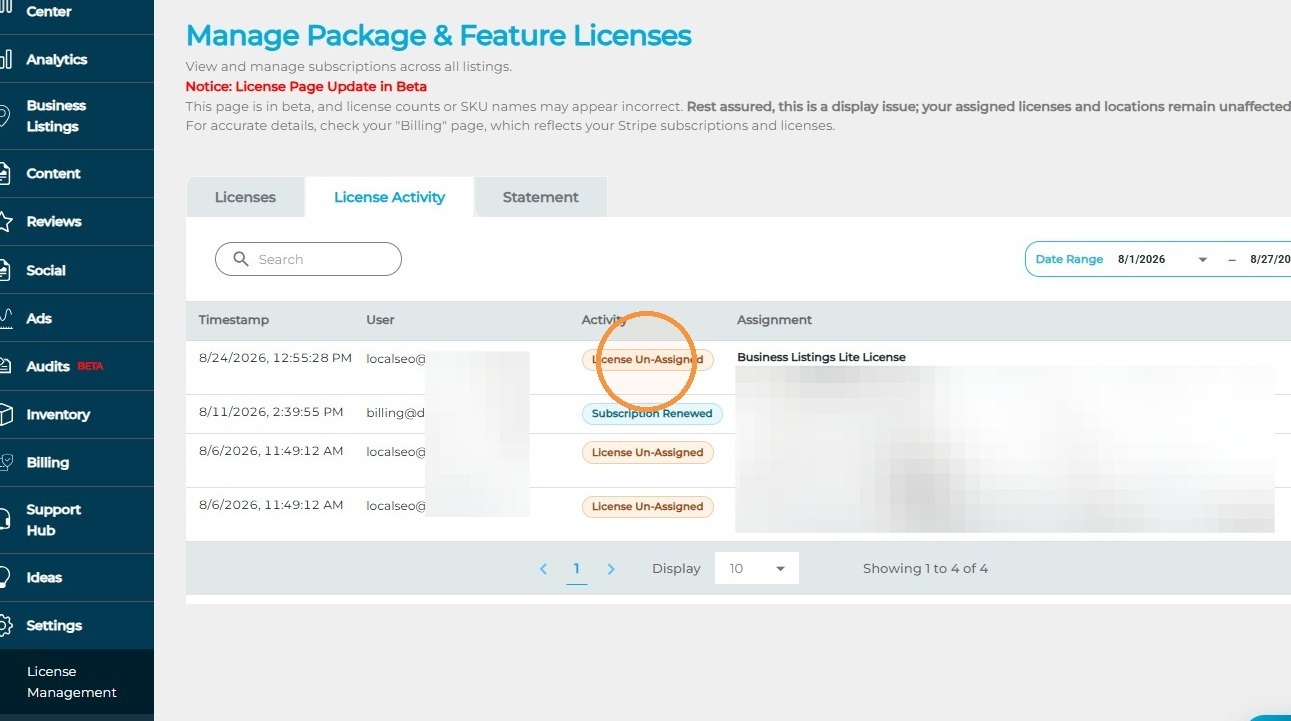
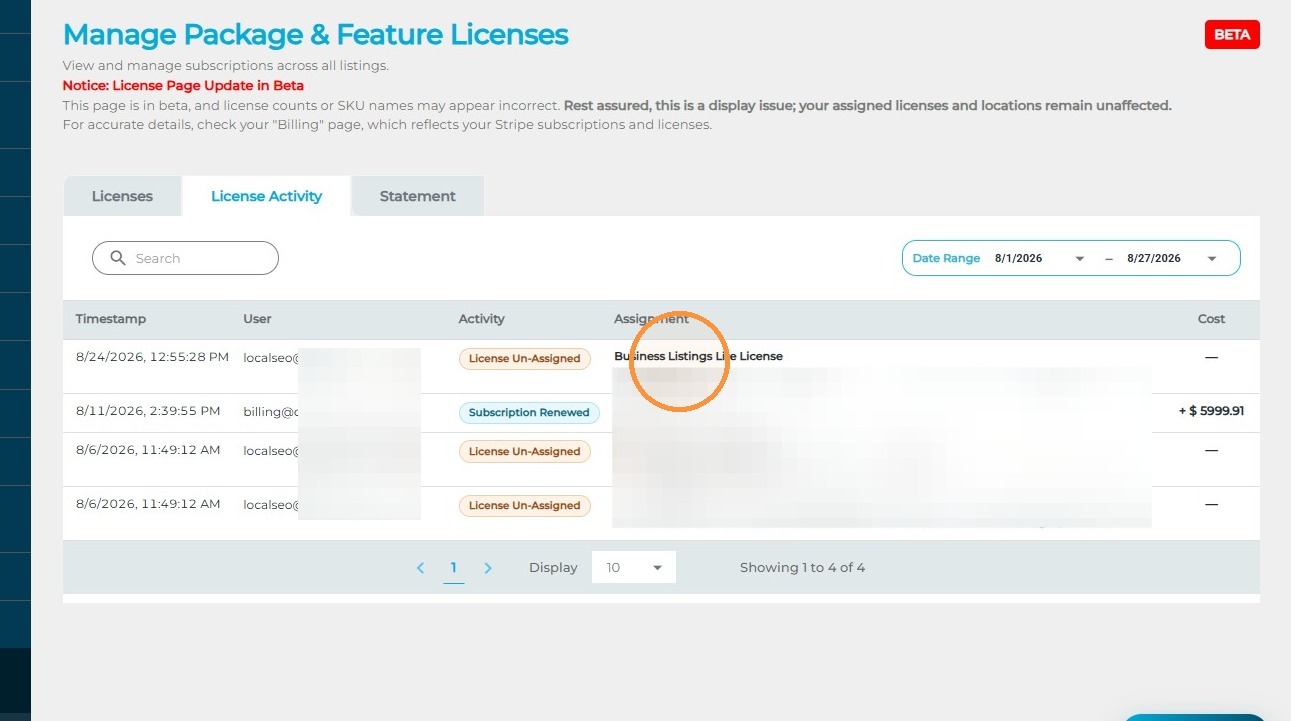
2. Assignment: See which location was affected by the license change.
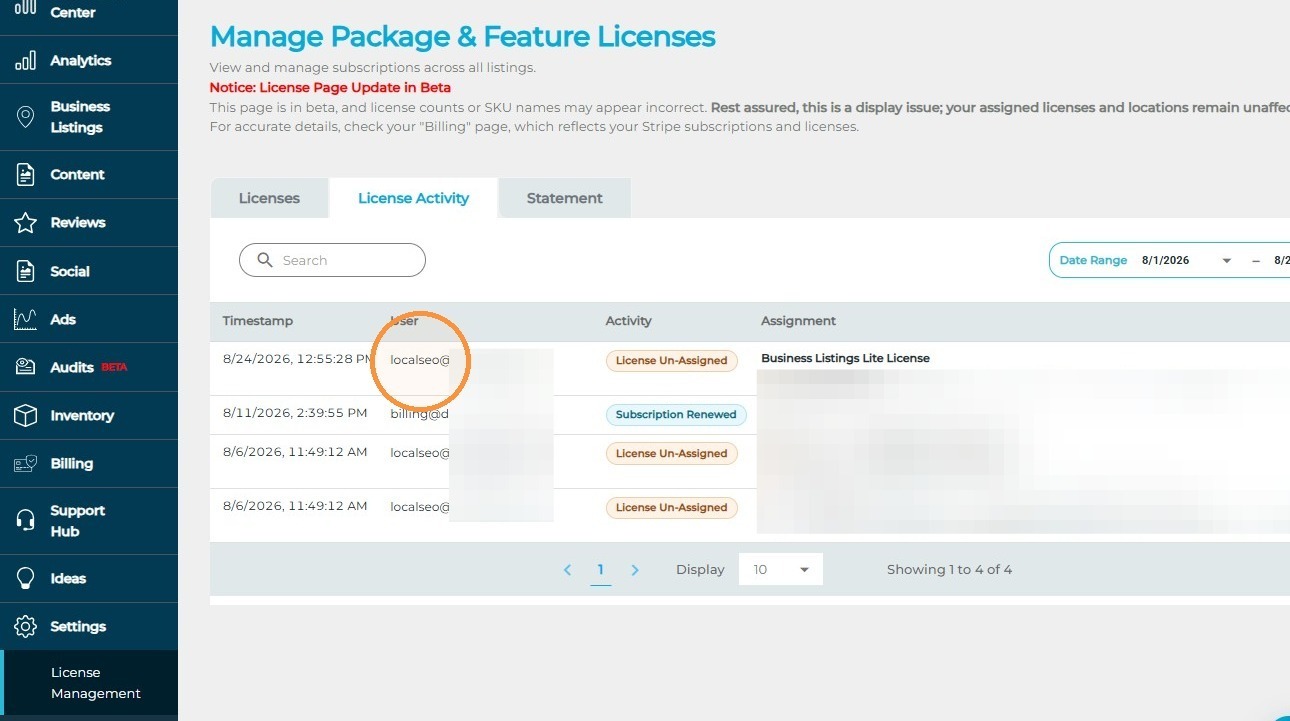
3. User: See who made the change.
4. Timestamp: See when the action took place.