
Before activating a new package, ensure that the location has been grouped within dbaPlatform.
1. Select the "Settings" tab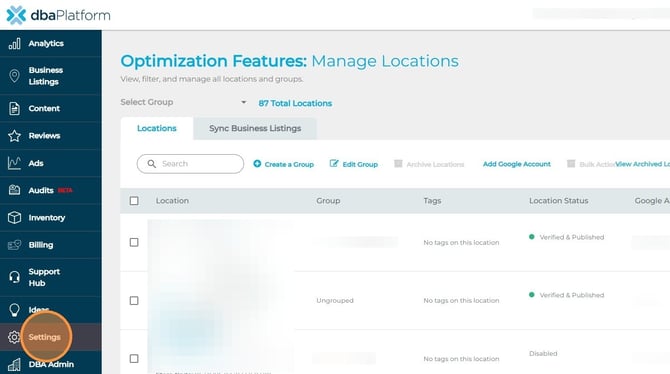
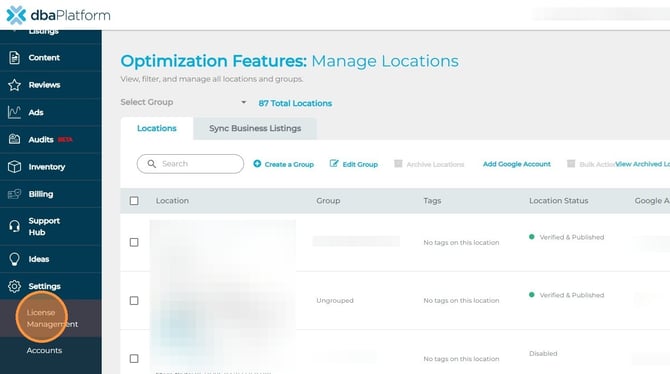
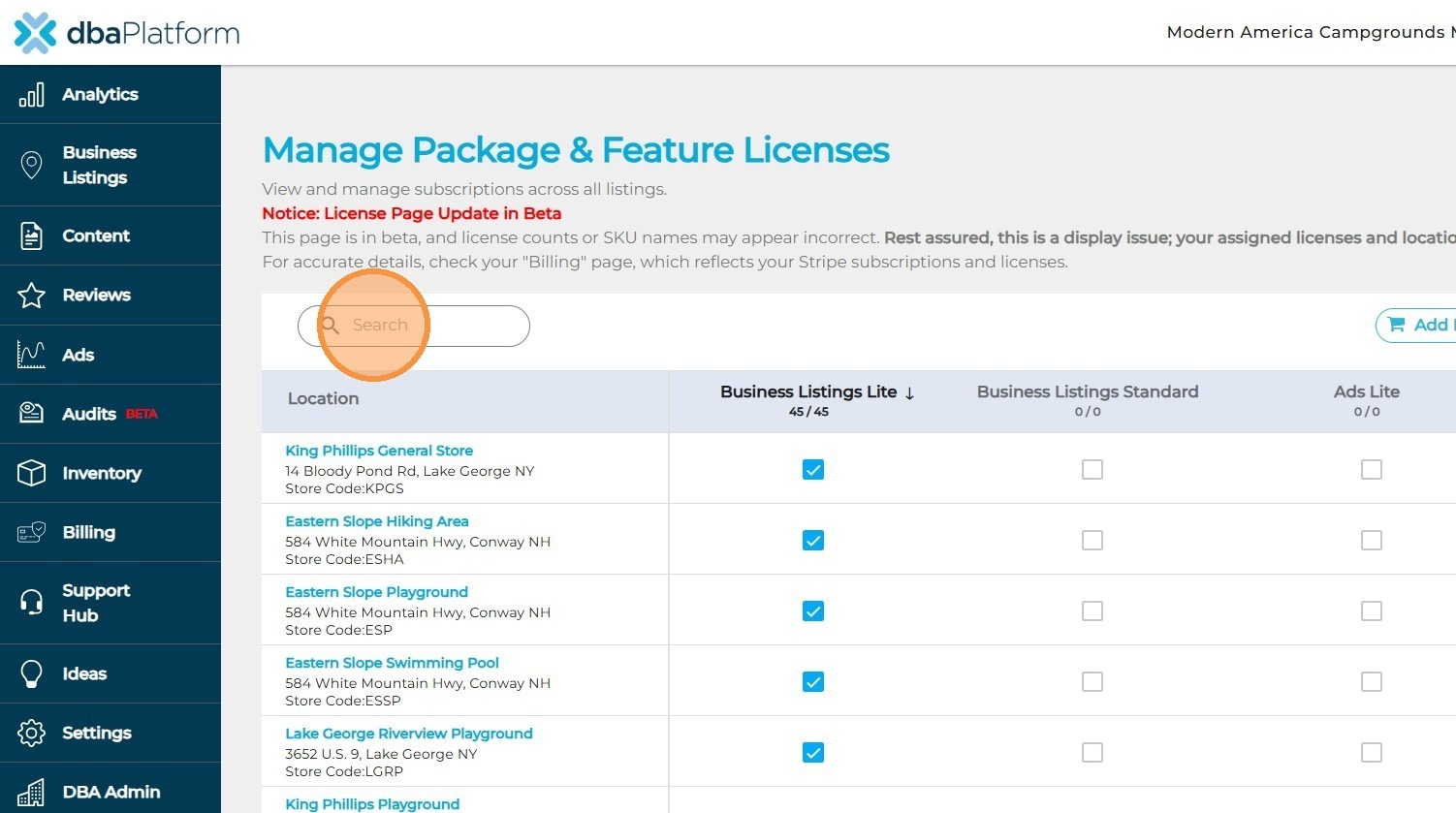
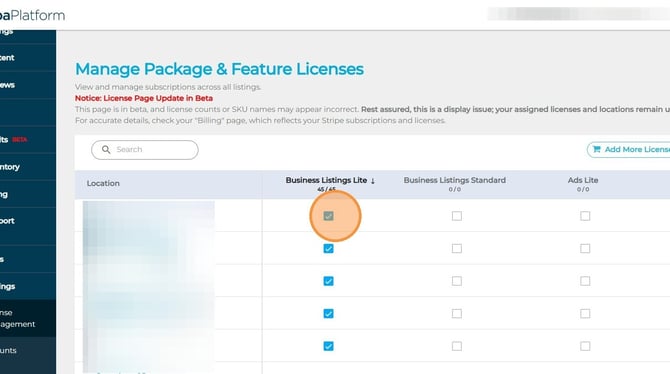
3. Search for the Location you are looking to activate
Before activating a new package, ensure that the location has been grouped within dbaPlatform.
1. Select the "Settings" tab